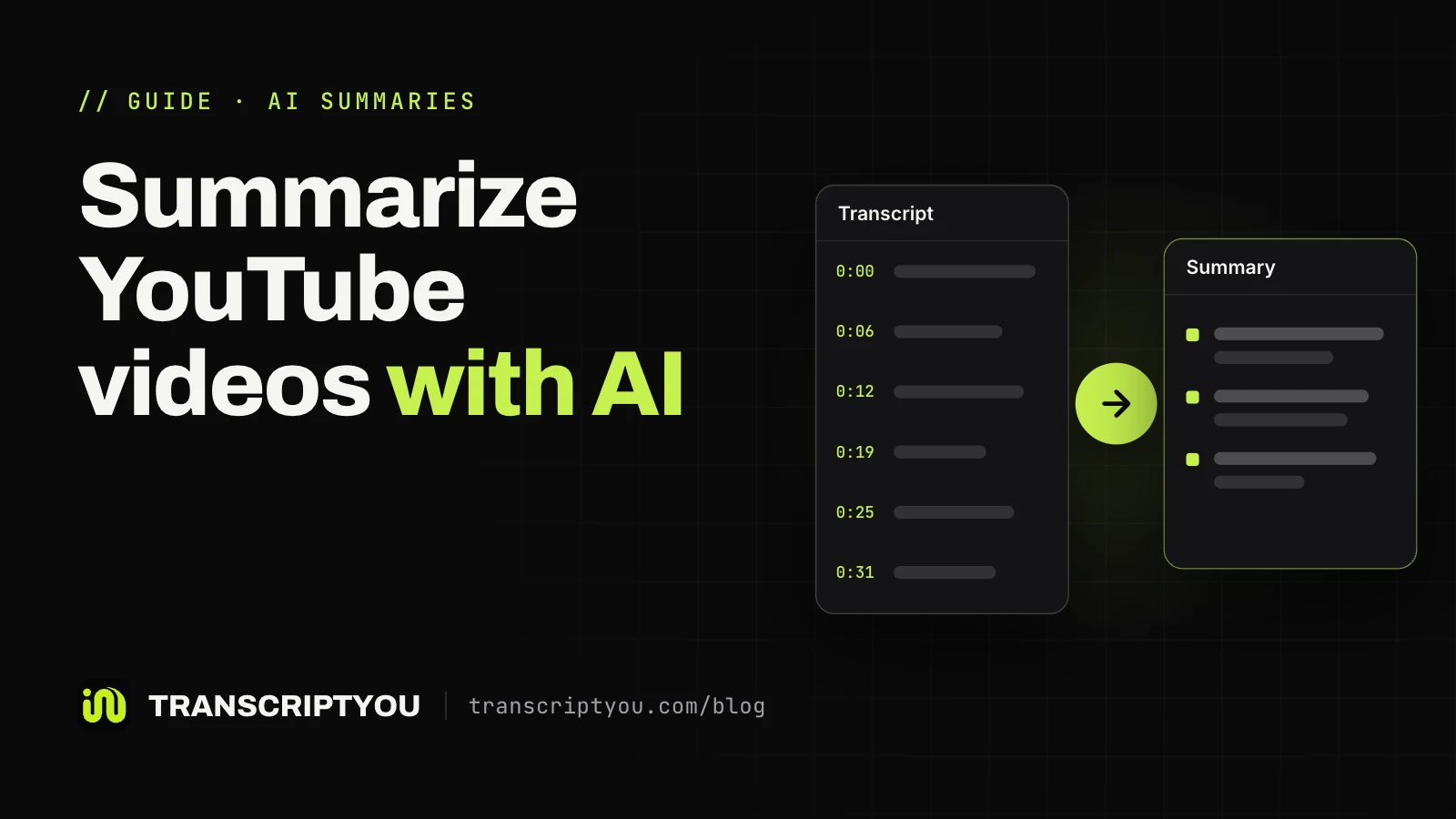
Summarize YouTube videos with AI
What Gemini, NotebookLM (now Gemini Notebook), ChatGPT, Claude, Grok and Ask YouTube do with a YouTube video, the transcript method that works with any chatbot, and prompts for each kind of summary.
Step-by-step guides to finding, copying, downloading and summarizing YouTube transcripts and subtitles.
What Gemini, NotebookLM (now Gemini Notebook), ChatGPT, Claude, Grok and Ask YouTube do with a YouTube video, the transcript method that works with any chatbot, and prompts for each kind of summary.
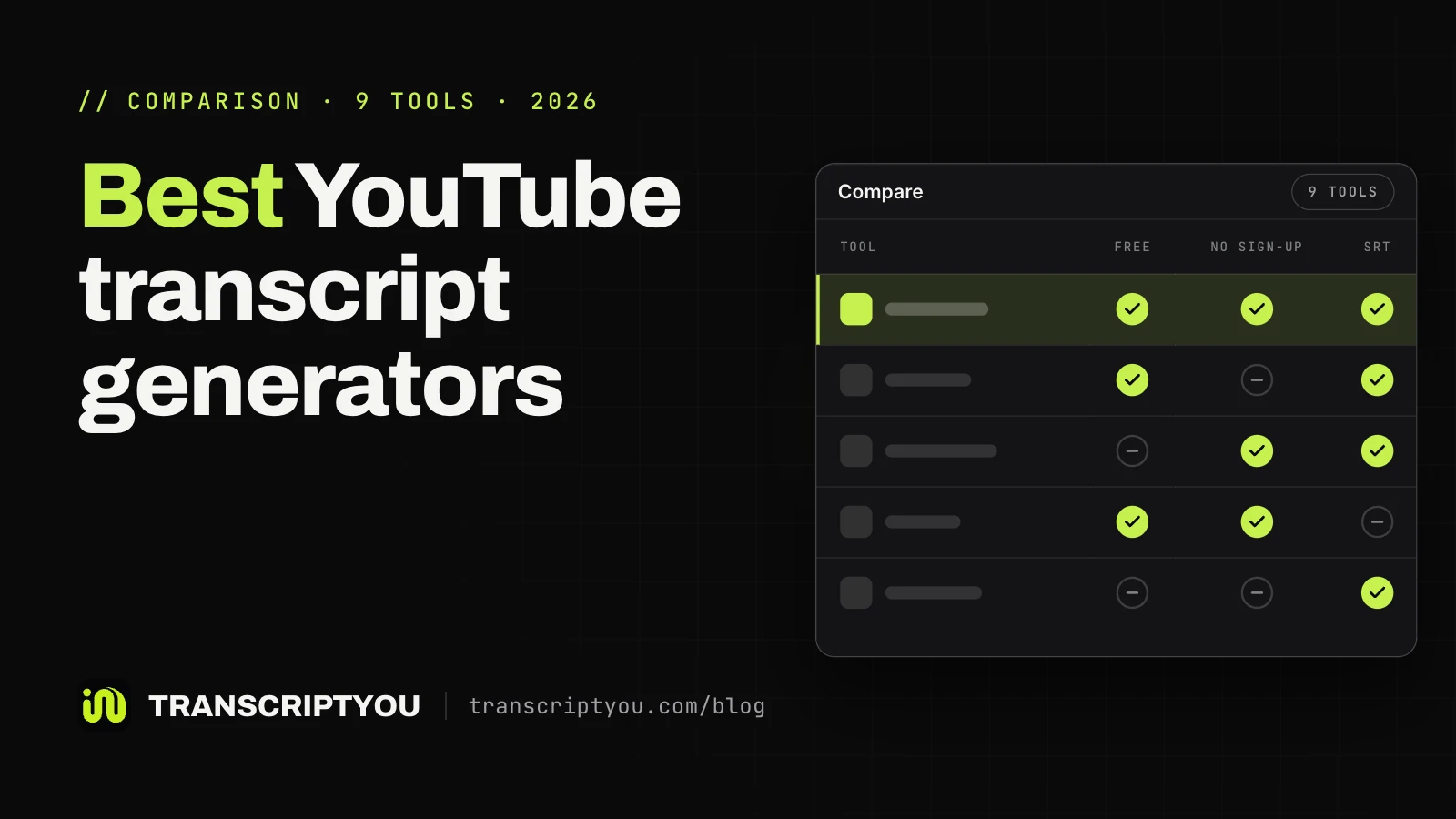
Nine tools that turn a YouTube video into text, tested on three videos: where the text comes from, sign-up, speed and export formats.
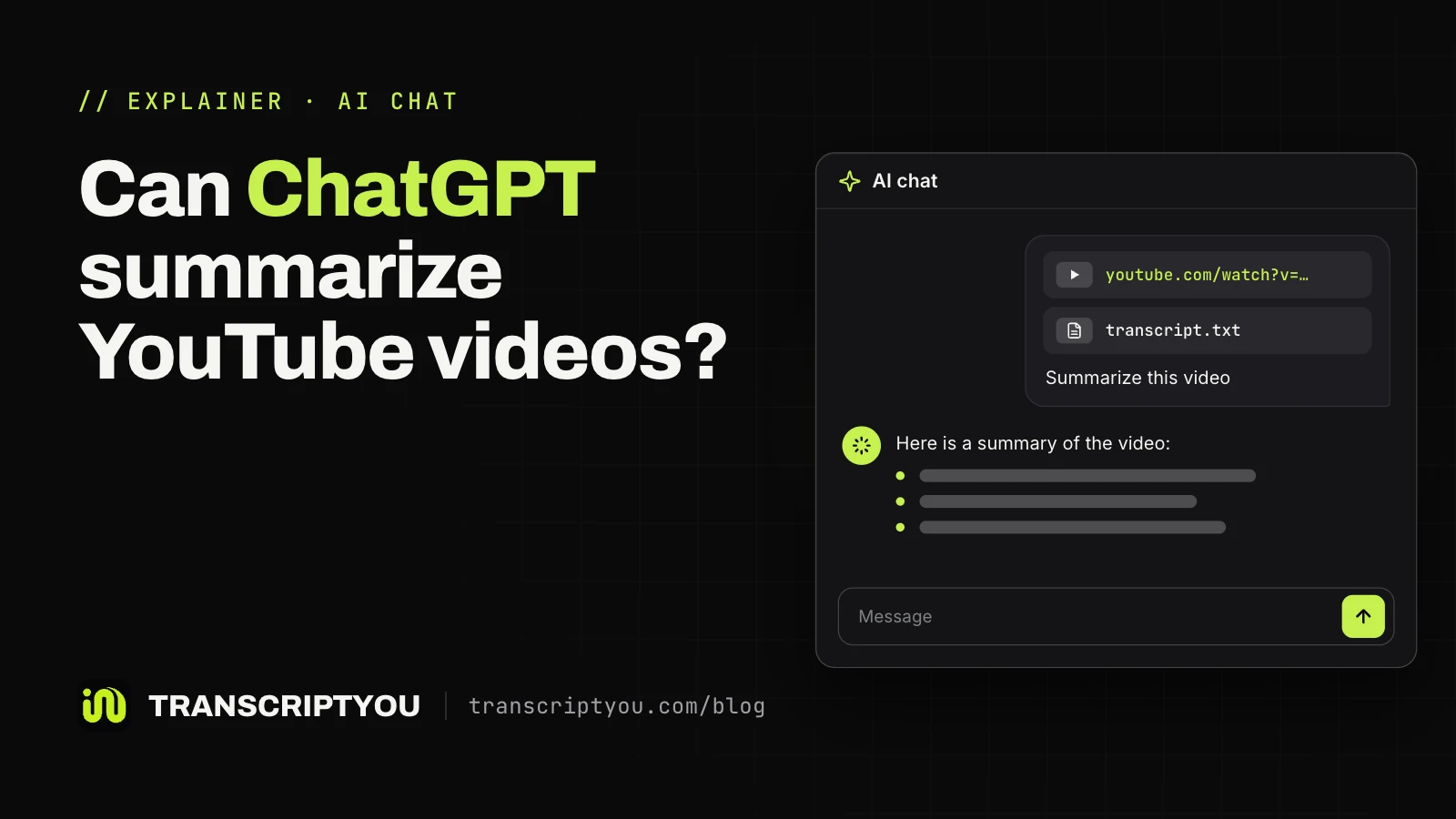
What ChatGPT does with a YouTube link, the transcript method that works on every plan, seven tested prompts and what to do with long videos.
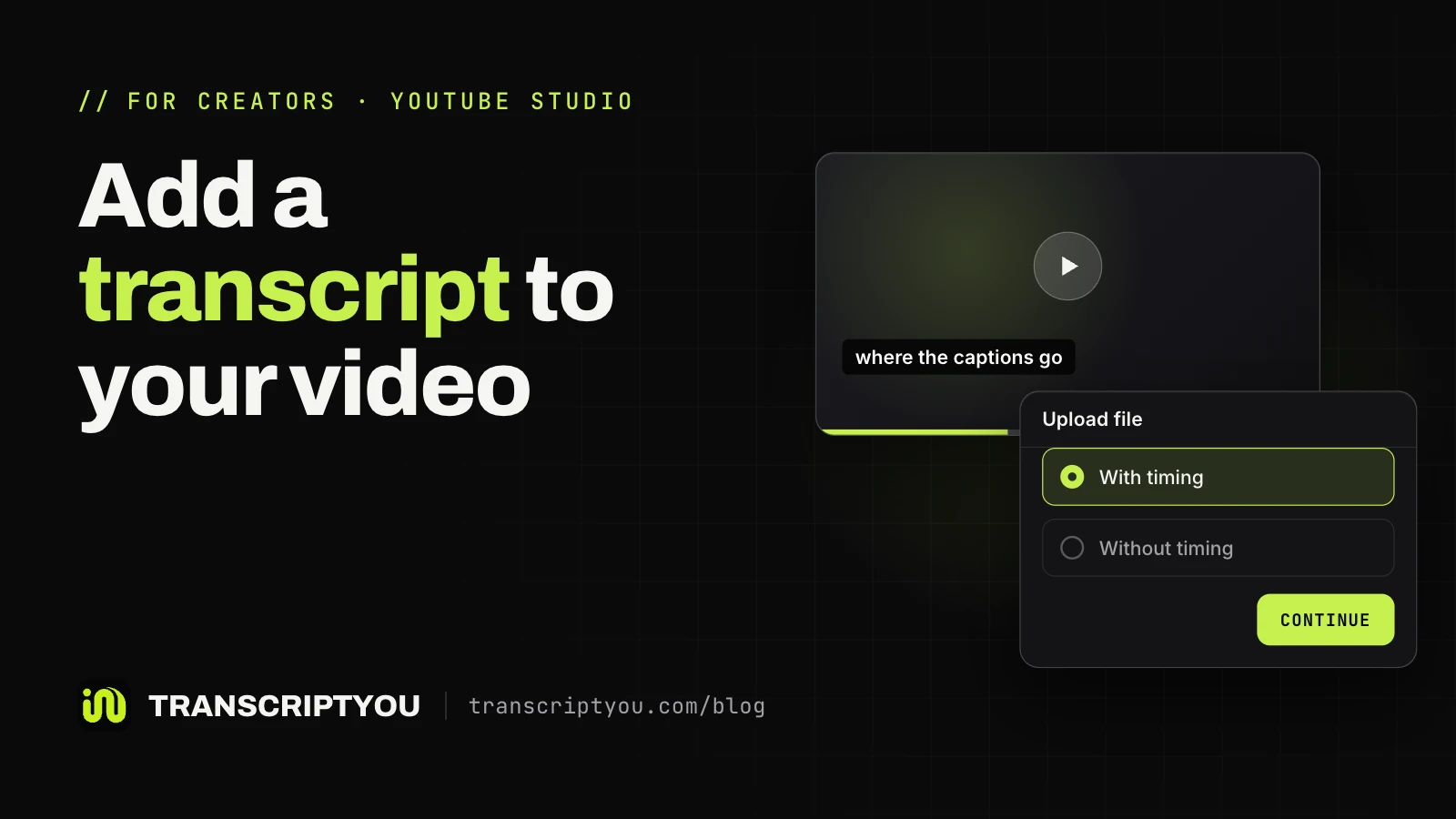
For creators: add a transcript in YouTube Studio by uploading a caption file, auto-syncing plain text or typing it, plus the file formats YouTube accepts and what to do when timings drift.
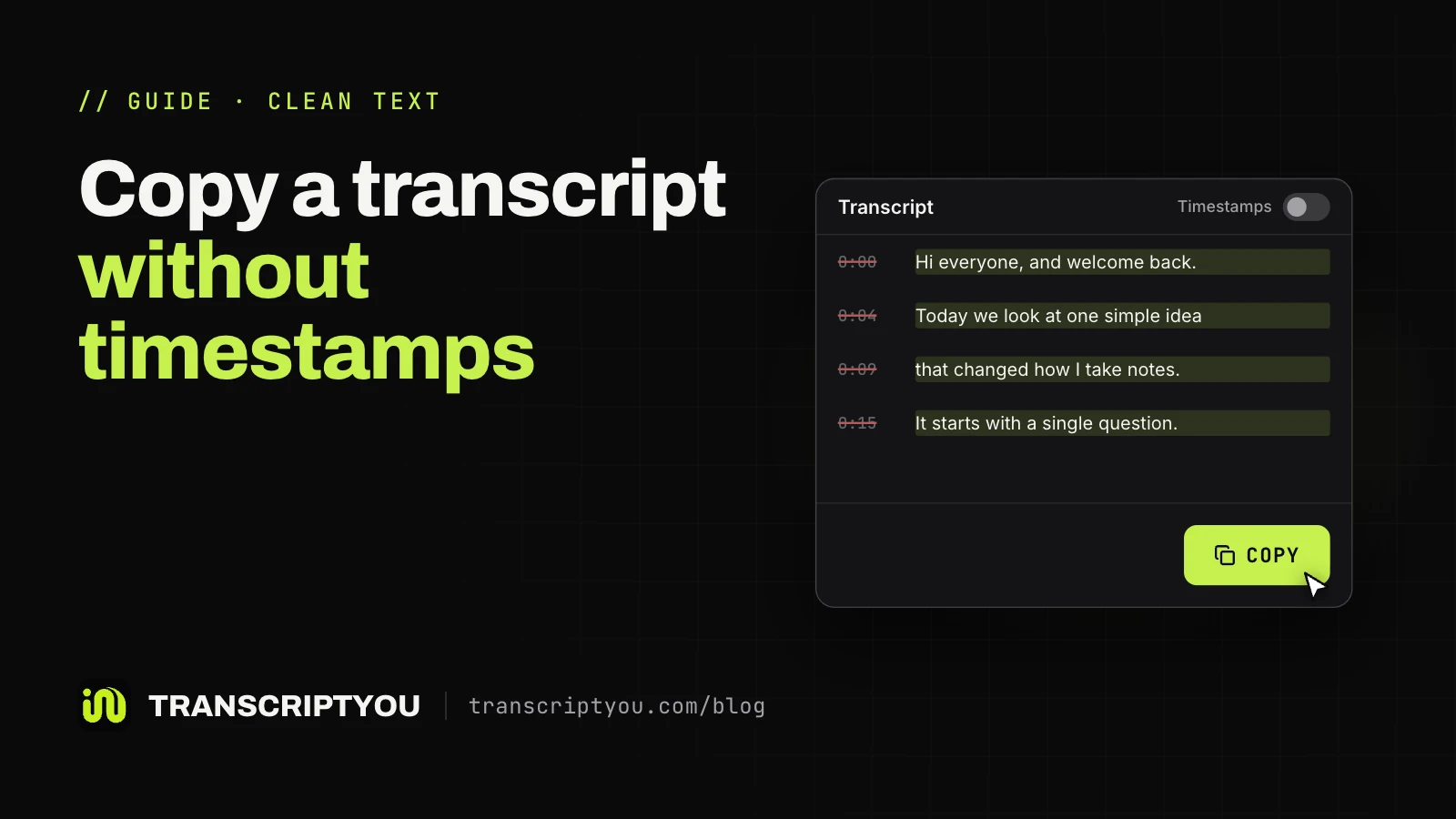
Copy the text of a YouTube video without the 0:12-style time codes: desktop steps, what works on a phone, and how to clean text you already pasted.
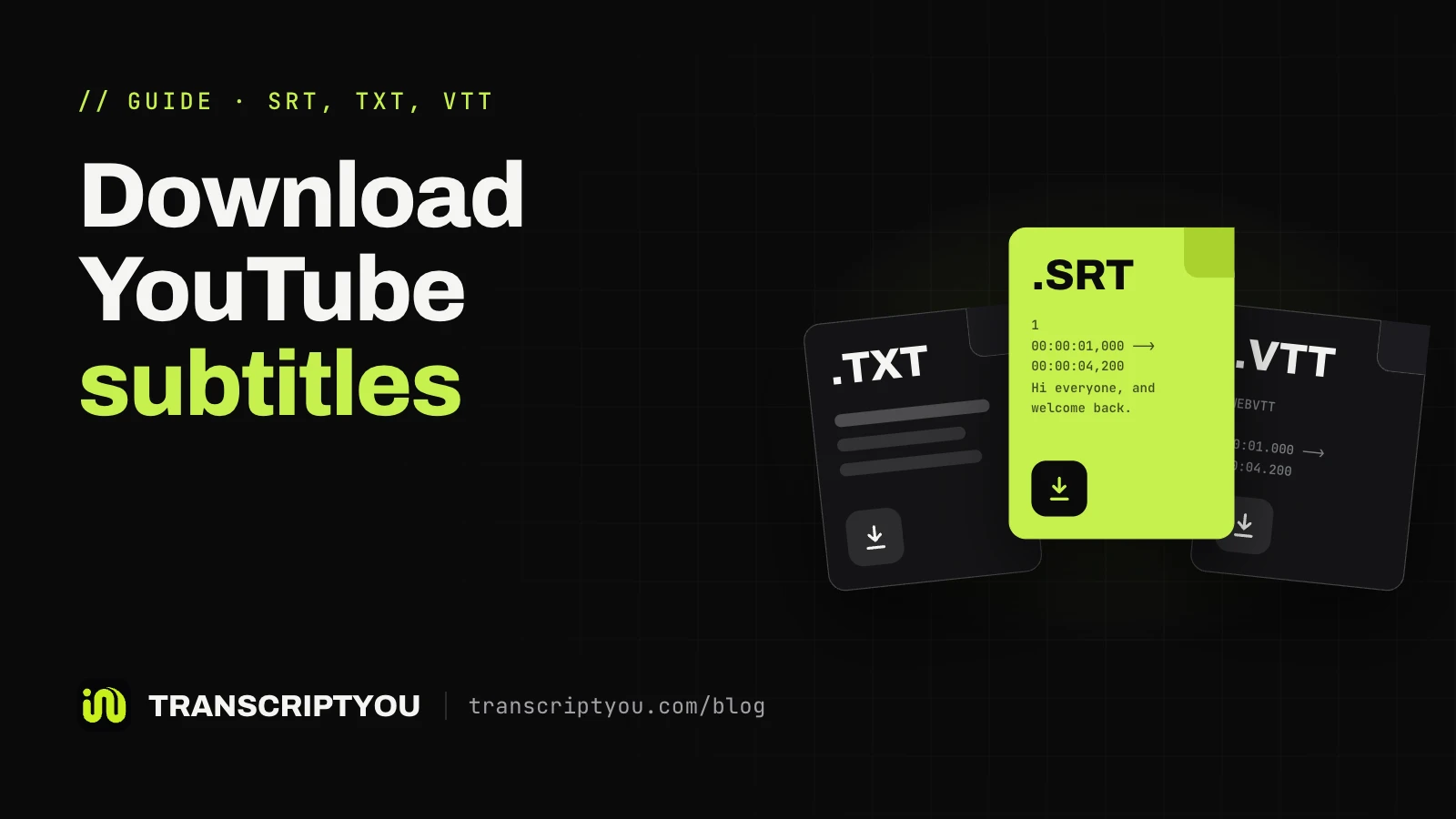
Four ways to save a YouTube caption track as a file: YouTube Studio for your own videos, a web tool or yt-dlp for public ones, and the transcript panel when you only need the text.
Why the transcript button disappears on YouTube: ten causes, a 30-second check for captions, and what still gets you the text when a video has none.
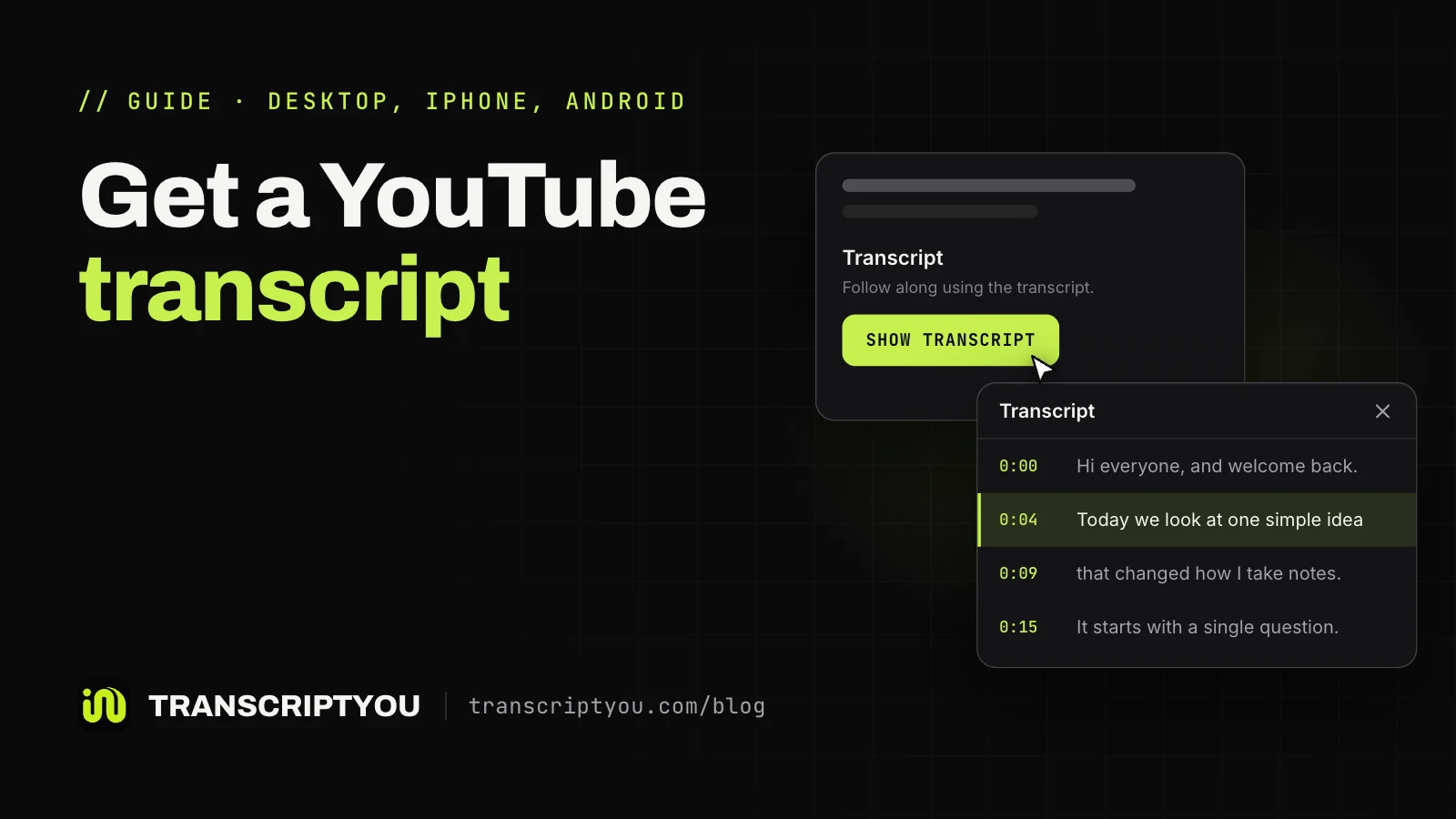
Where the Show transcript button is on a computer, iPhone and Android, what changed in the new transcript panel, why the button can be missing and how to keep the text.
// Editorial policy
TranscriptYou is our product. Articles mention it where it solves the task, and comparisons describe it by the same criteria as other tools.
Found a mistake or an outdated step? Tell us through the contact form. More about the service is on the About page.