What happens when you paste a YouTube link into ChatGPT
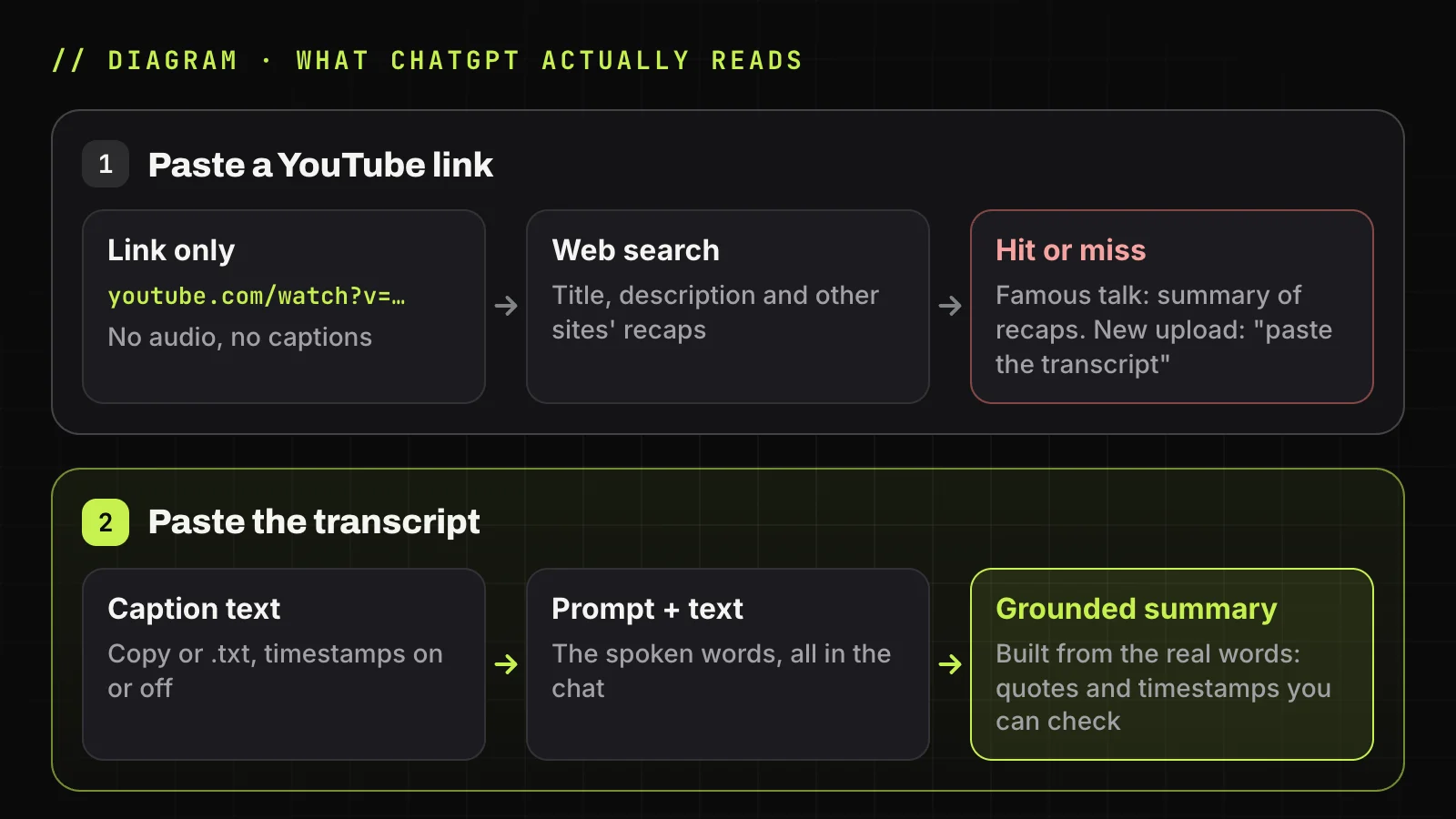
Can ChatGPT watch YouTube videos and summarize them? No: it doesn't play the video. Given a link, it searches the web and reads pages about the video (web search works on every plan, even signed out). OpenAI doesn't say it reads a video's audio or captions.
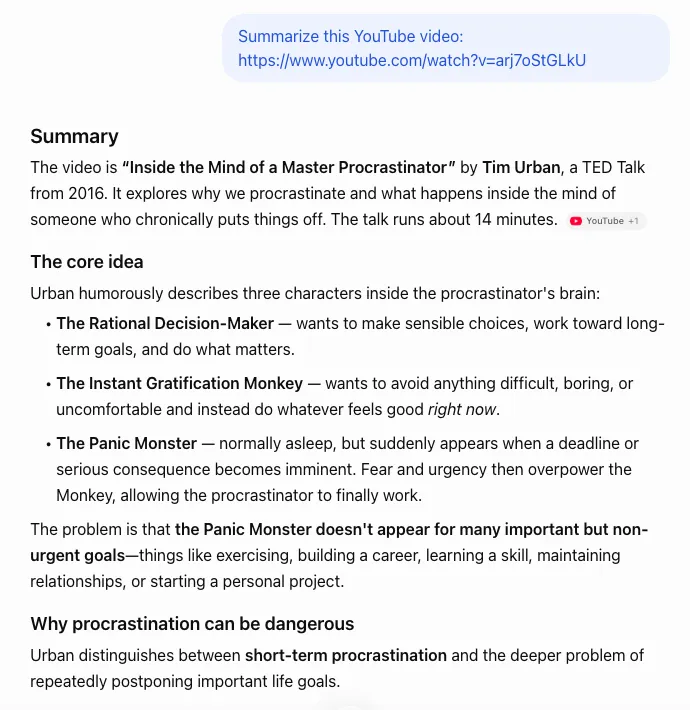
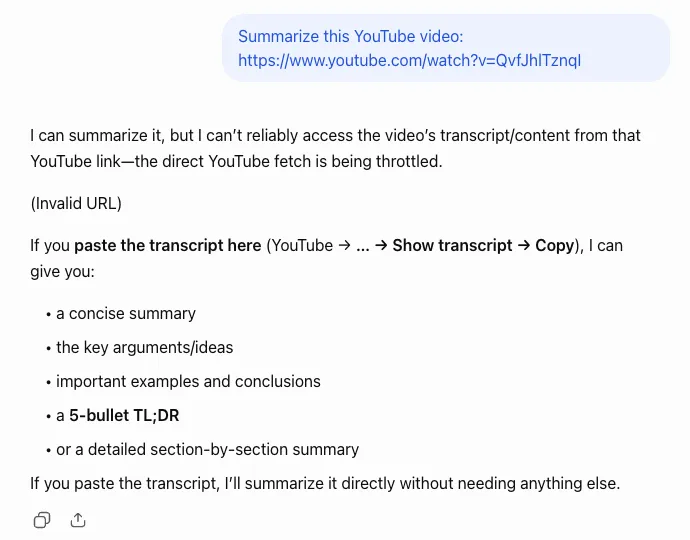
So a link works sometimes. We checked it on chatgpt.com, signed out, with Summarize this YouTube video: plus a link: a famous talk got a summary, two fresh uploads with 13 and 24 views got a request for the transcript.
| What we sent | Video | What ChatGPT did |
|---|---|---|
Summarize this YouTube video: + link |
arj7oStGLkU: Tim Urban's 2016 TED talk, creator English captions |
A detailed summary, citing YouTube and one third-party site |
| The same | QvfJhlTznqI: a city planning meeting uploaded hours earlier |
No summary: "I can't reliably access the video's transcript/content from that YouTube link—the direct YouTube fetch is being throttled." It asked for the transcript. |
| The same | E4GMnUbx5EU: another meeting uploaded hours earlier |
No summary: "I can't retrieve the video's transcript/content from that YouTube link right now." It asked for the transcript. |
| Each of the 7 prompts below + the 2,277-word transcript | arj7oStGLkU, English track copied from TranscriptYou |
Each answer followed its prompt. In the timestamped answers, every timestamp existed in the transcript and all 5 quotes were word for word. |
ChatGPT search reads pages, not the video
ChatGPT search builds its answer from web pages and lists them under Sources. A YouTube watch page offers mostly the title, description and comments, not the speech. A famous talk has recaps elsewhere; a local meeting usually has none.
I can see the closed captioning when I view it on YouTube, so I know the text is there. Chat tells me it needs a transcript of the video to complete the task.
If the sources are articles about the video, you get a summary of those articles.
Why a link-based summary can sound right and still be wrong
OpenAI's help article on accuracy says ChatGPT can sound confident when wrong and lists fabricated quotes among typical errors. A summary pieced together from a title and other people's write-ups reads as smoothly as a real one; the giveaway is general statements with no numbers, names or exact phrases.
Quick test: ask for three quotes with timestamps. Without the transcript in the chat, you get a refusal or lines you won't hear at those moments.
How to summarize a YouTube video with ChatGPT using the transcript
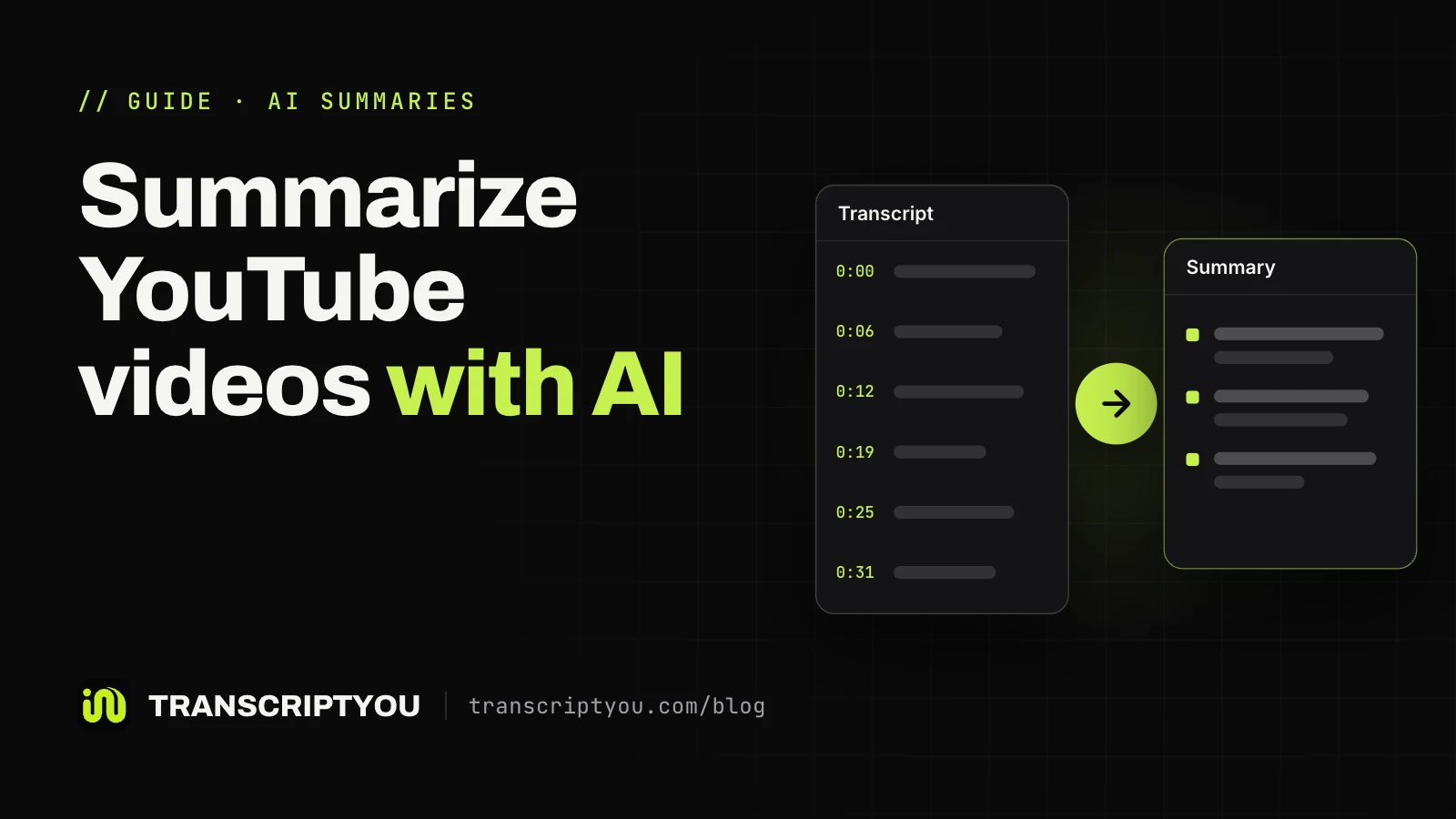
Here is how to summarize YouTube videos with ChatGPT dependably: give it the text. It works on every plan, and in our check signed out too.
Get the transcript of the video
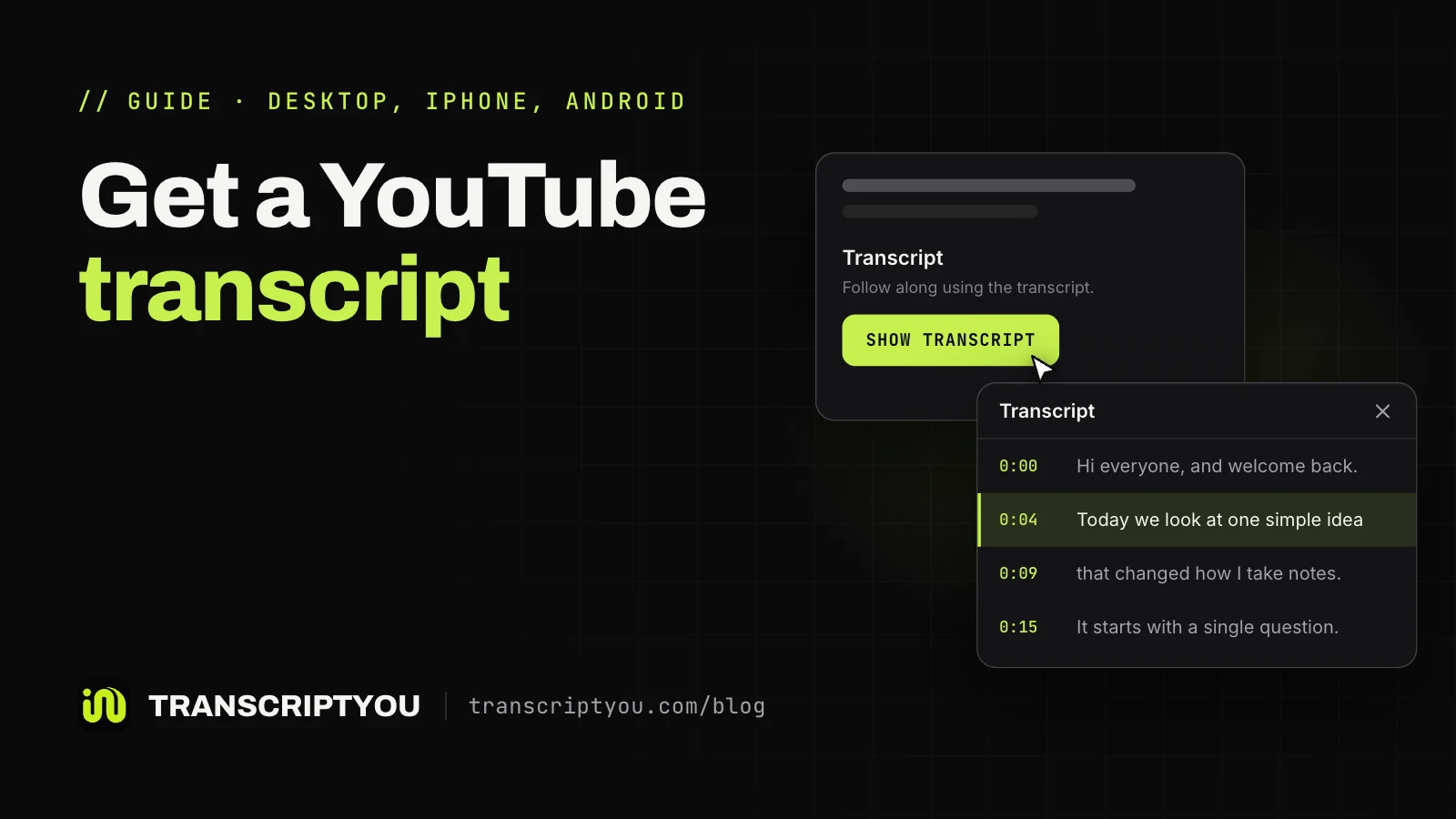
On YouTube, open the description and click Show transcript; it exists for any video with captions. Quicker: paste the link into TranscriptYou to copy the transcript first, free and without sign-up. Phone steps: get the transcript of a YouTube video.
Turn timestamps off and copy the text
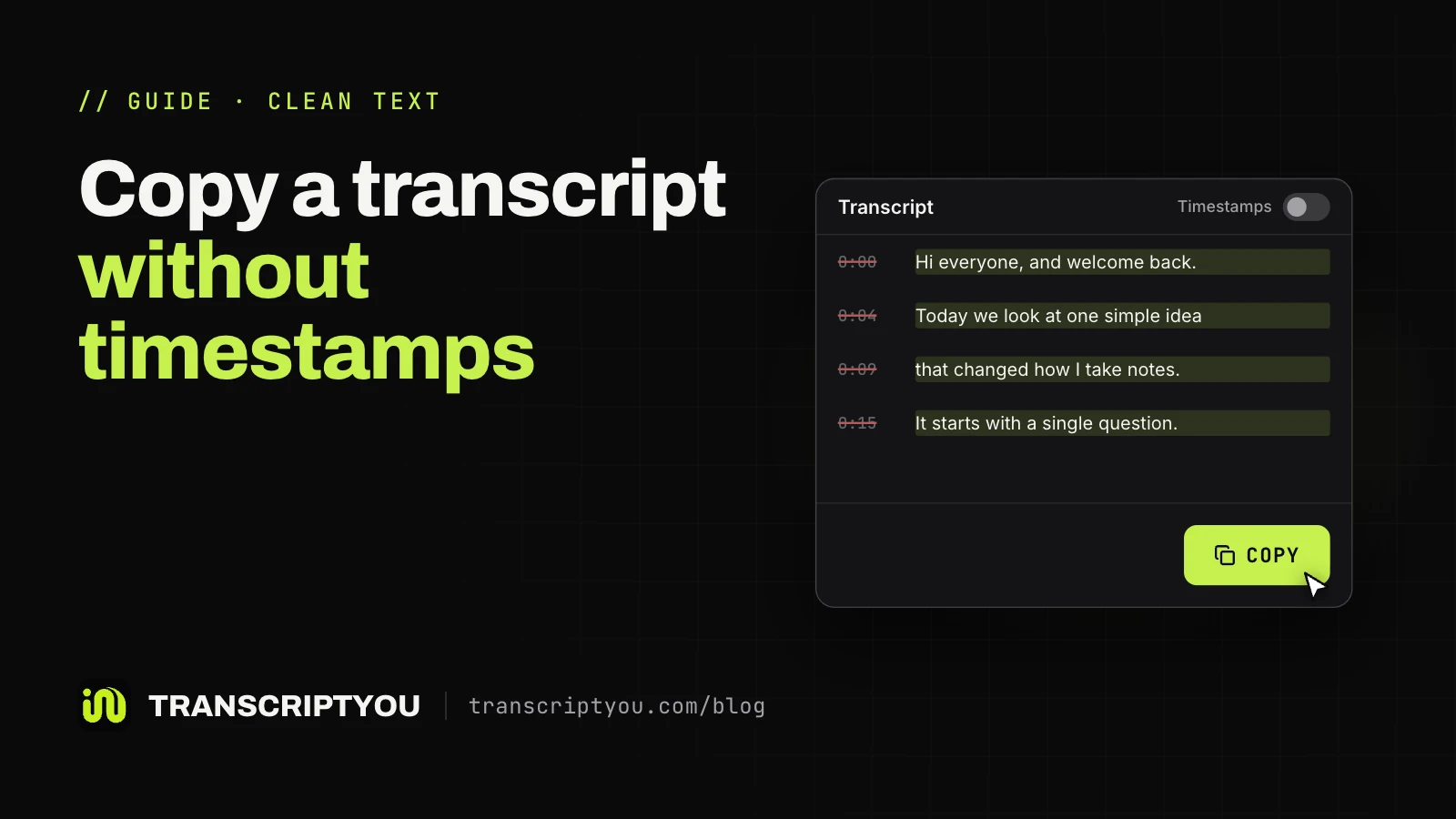
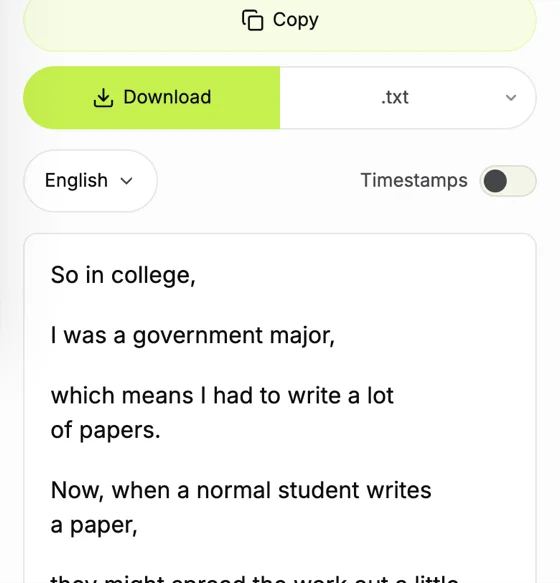
In TranscriptYou, the Timestamps switch removes time codes from the page, Copy and the .txt file; Copy takes the whole text in one click. Keep timestamps on if the summary should point to moments. Inside YouTube, see how to copy a YouTube transcript without timestamps.
Paste the text with a prompt or upload a .txt file
Write the prompt first, then Transcript: and the pasted text, so the model knows where instructions end. Or attach the .txt: OpenAI's upload rules cap text files at 2 million tokens. Free accounts currently get 3 uploads a day; signed out, you can paste but not attach.
Check the summary against the transcript
Ask for a timestamp on every point, then replay two or three of those moments. Our TED talk test passed this check, but that is not a guarantee: verify quotes and numbers before reusing them.
Copy a clean transcript for ChatGPT
Paste a YouTube link, switch Timestamps off and press Copy. Free, no sign-up, .txt or .srt.
When this does not work
TranscriptYou reads existing captions and has no speech recognition: a video without captions has no text here either.
ChatGPT prompts to summarize a YouTube video
A useful prompt names the format, the length and what to leave out. Each prompt below was run in ChatGPT with the TED talk's transcript after it (see the test table above).
| Goal | Prompt | Transcript format |
|---|---|---|
| Short summary | Summarize this YouTube transcript in 5 bullet points, one sentence each. Use only what the speaker says. |
Timestamps off |
| Key points in order | List the main points of this YouTube transcript in the order they appear. Start each point with the timestamp where it begins, in [m:ss] format. Use only timestamps that appear in the text. |
Timestamps on |
| Study notes | Turn this lecture transcript into study notes with headings and short bullet points. End with a list of key terms and a one-line definition for each. |
Timestamps off |
| Action items | List every action item, recommendation or next step the speaker gives in this transcript, as a checklist. If there are none, say so. |
Timestamps off |
| Exact quotes | Find the 5 most important quotes in this YouTube transcript. Copy each one word for word, add the timestamp where it starts, and do not paraphrase. |
Timestamps on |
| Worth watching? | In 3 sentences, tell me what this video covers, who it is for, and what I would miss by reading this summary instead of watching it. |
Timestamps off |
| Another language | Summarize this YouTube transcript in Spanish in 5 bullet points. Keep names and technical terms as they are in the original. |
Timestamps off |
A bare "summarize this" gets a generic retelling. The exit in the action-items prompt ("if there are none, say so") keeps the model from inventing tasks.
Long videos: when the transcript is too long for one message
The limit is text, not minutes: the 14-minute talk gave 2,277 words, a multi-hour stream many times that. OpenAI doesn't say how much of a long file shapes one summary. If the summary skips the ending or stops mid-answer, split the work:
- Download the .txt with timestamps on, so each part keeps its times.
- Cut it at the video's chapters, or into equal parts.
- Send each part with the same prompt, for example
Summarize part 1 of 3 of this transcript in 5 bullet points. - Then ask:
Combine these part summaries into one summary of the whole video. Remove repeats and keep the order.
Other ways ChatGPT can work with YouTube videos
Each alternative adds a condition or a third party. For Gemini, Claude and NotebookLM, see how to summarize YouTube videos with other AI tools.
Custom GPTs from the GPT Store
GPTs are versions of ChatGPT set up for one job. One with apps or actions may send parts of your input to an outside service, and OpenAI "does not audit or control how those services use or store your data" (GPTs in ChatGPT).
Browser extensions that send the transcript to ChatGPT
Third-party Chrome extensions add a button on YouTube that grabs the transcript and opens a chat with it pasted in. They are not OpenAI products: check the developer and which sites' data it can read before installing.
Uploading the video file
Video attachments are accepted, even on Free, but OpenAI notes that "it may not analyze the entire video or accurately interpret its audio." Audio uploads need a paid plan. This suits your own recordings: YouTube's Terms forbid downloading content without the service's or the owner's permission.
When ChatGPT can't summarize a YouTube video
When ChatGPT fails on a YouTube video, the input is usually the problem.
The video has no captions
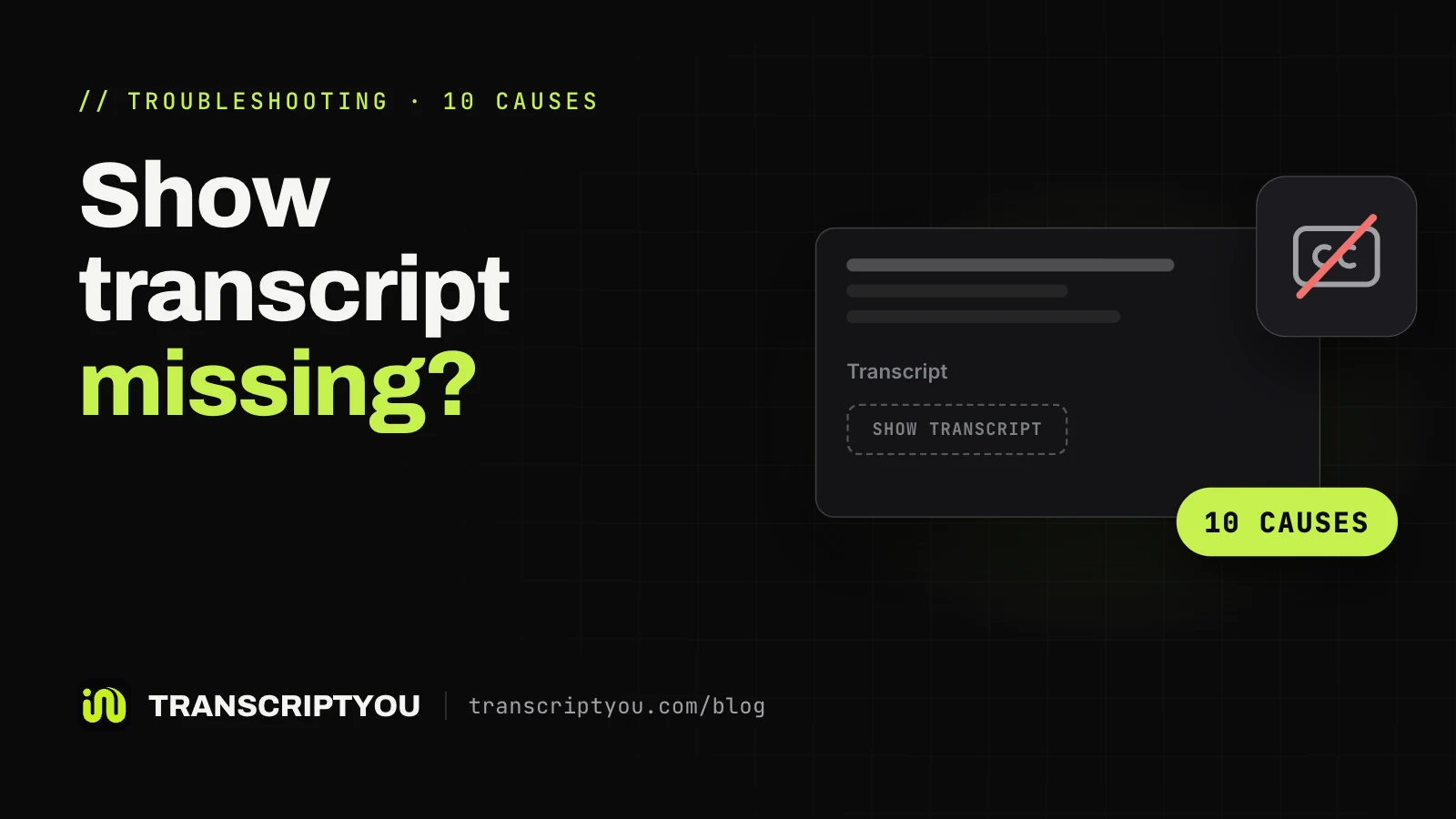
No captions means no Show transcript on YouTube and no text in TranscriptYou. If the video is yours, upload the file instead. Other causes: YouTube transcript not showing.
The point of the video is on screen
A transcript holds only what was said. Slides, code, charts and demos never reach the chat, so a tutorial summary may say "the presenter changes the settings" without the settings.
Automatic captions got the words wrong
YouTube's help page warns automatic captions "might misrepresent the spoken content", and a misheard name goes straight into the summary. Prefer a track without "(auto)" in the language menu.
Private and members-only videos
TranscriptYou reads public videos only. For a private video on your own channel, the captions are in YouTube Studio: see how to download YouTube subtitles.
Get the transcript, then open ChatGPT
Paste the video link, press Copy and paste the text into the chat with one of the prompts above.
Can ChatGPT summarize YouTube videos: FAQ
Can ChatGPT summarize a YouTube video from a link?
Not reliably. It may summarize what web pages say about the video, which works for famous talks. In our test it couldn't retrieve two new, low-view videos and asked for the transcript.
Can ChatGPT watch YouTube videos?
No, not from a link. It reads text and web pages; OpenAI doesn't say it plays a YouTube video or hears its audio. An attached video file of your own may be analyzed only in part.
Can the free version of ChatGPT summarize YouTube videos?
Yes. Pasting a transcript with a prompt works on Free, and in our check signed out too. Attaching files needs an account, and Free accounts get 3 uploads a day.
How long a video can ChatGPT summarize?
The limit is text, not minutes. A text file can hold 2 million tokens, but that is an upload limit, and one pass over a very long transcript can lose detail: summarize it in parts, then combine them.
Can ChatGPT summarize a video without a transcript?
Only from a file you upload: video on any plan, with a warning that analysis may be incomplete, audio such as MP3 on paid plans. A link to a video without captions leaves nothing reliable to read.
Can ChatGPT summarize a YouTube video in another language?
Yes. Paste the transcript and name the language in the prompt. If the video already has captions in your language, pick that track in the subtitle downloader and summarize it directly.
Are YouTube summary GPTs and extensions safe to use?
With care. A GPT with apps or actions can send your input to a third-party service that OpenAI doesn't audit. Extensions are third-party software too: check the developer and permissions.
Does TranscriptYou work with ChatGPT?
TranscriptYou isn't connected to ChatGPT and sends nothing to it. It gives you the caption text: press Copy or download a .txt, then paste it with your prompt.
Get the transcript of a YouTube video
If the video has captions, paste its link and get the full text with timestamps. Copy it or save it as .txt or .srt. Free, no sign-up.
Sources
- OpenAI Help: Searching the web with ChatGPT
- OpenAI Help: Does ChatGPT tell the truth?
- OpenAI Help: Uploading files and audio to ChatGPT
- OpenAI Help: ChatGPT Image Inputs FAQ (video uploads)
- OpenAI Help: GPTs in ChatGPT
- YouTube Help: View video transcripts
- YouTube Help: Use automatic captioning
- YouTube Terms of Service