Where to find Show transcript on each device
On a computer and in the apps, the button sits at the end of the video description, in its own section. Only the route there differs.
| Device | Where the button is | Copy the text | Save as a file |
|---|---|---|---|
| Computer, browser | ...more under the video, then the button at the end | Yes, select lines with the mouse | No |
| iPhone and iPad, YouTube app | ...more under the title (the title itself on some versions), then scroll down | No | No |
| Android, YouTube app | ...more under the title, then scroll down | No | No |
| Phone browser | Not on m.youtube.com in our check; switch to the desktop site | Yes, after switching | No |
| Check | Video | Result |
|---|---|---|
| ...more, then Show transcript in Chrome on a computer, signed out | dQw4w9WgXcQ | The panel opened beside the player |
| Copy two lines with the mouse | dQw4w9WgXcQ | Clipboard: 0:1818 seconds♪ We're no… |
| Switch the player's captions to German | dQw4w9WgXcQ | The panel stayed in English |
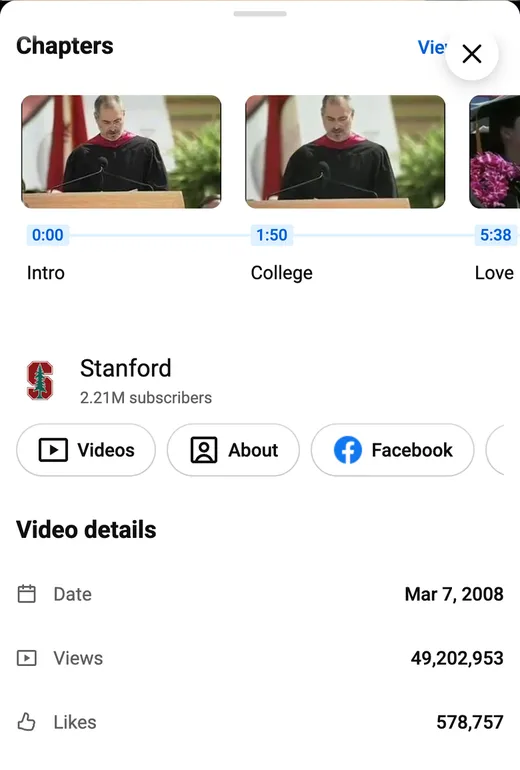
| Panel type | UF8uR6Z6KLc, Stanford speech | New panel: Search transcript and a close button, no ⋮ |
| Panel type | iG9CE55wbtY, TED talk with creator subtitles | Older panel with ⋮ → Toggle timestamps |
| m.youtube.com (not the app), iPhone and Android browsers, 390 px | UF8uR6Z6KLc, CxC161GvMPc, h-2W-t22d8M | No Transcript section in the description |
| YouTube app on iPhone and Android | Not tested | Steps follow YouTube Help, Android Authority (2023) and Descript (July 2026) |
How to get the transcript of a YouTube video on a computer
On a computer, the transcript of a YouTube video opens in a side panel.
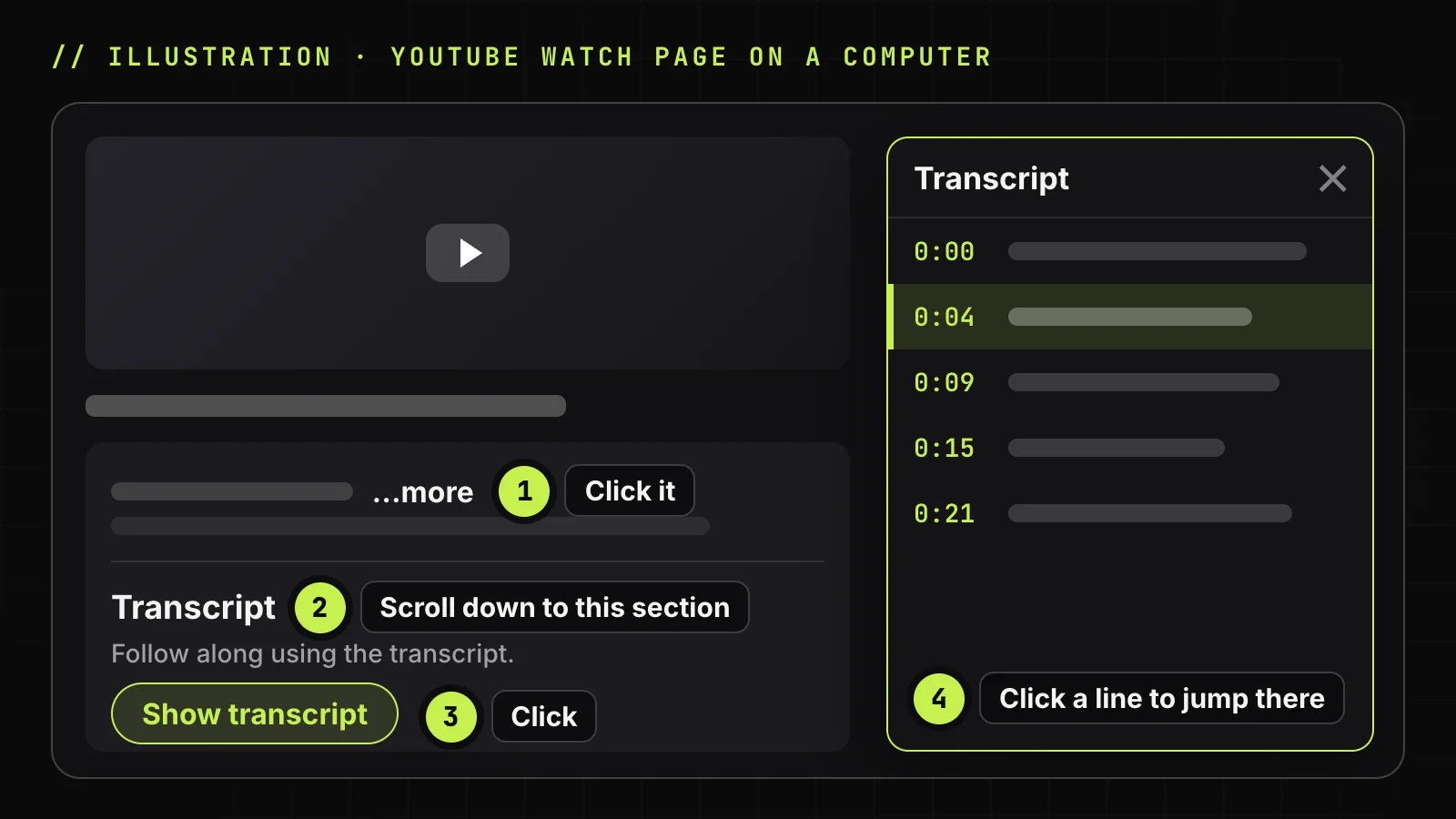
Open the description and click Show transcript
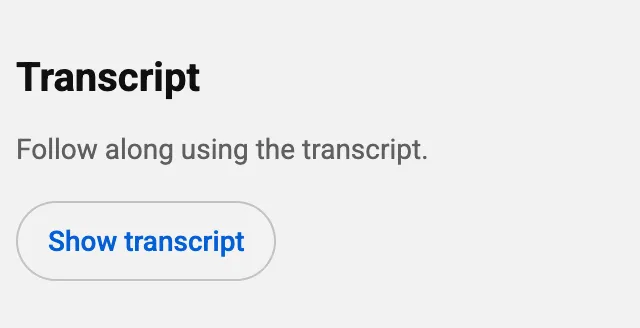
Open the video on youtube.com in a browser such as Google Chrome. Click ...more under the title and scroll to the end of the description. Below "Follow along using the transcript." click Show transcript. Older guides point to a three-dot menu next to Share; it is gone. The panel opens to the right of the player and jumps to any line you click.
Turn the timestamps off
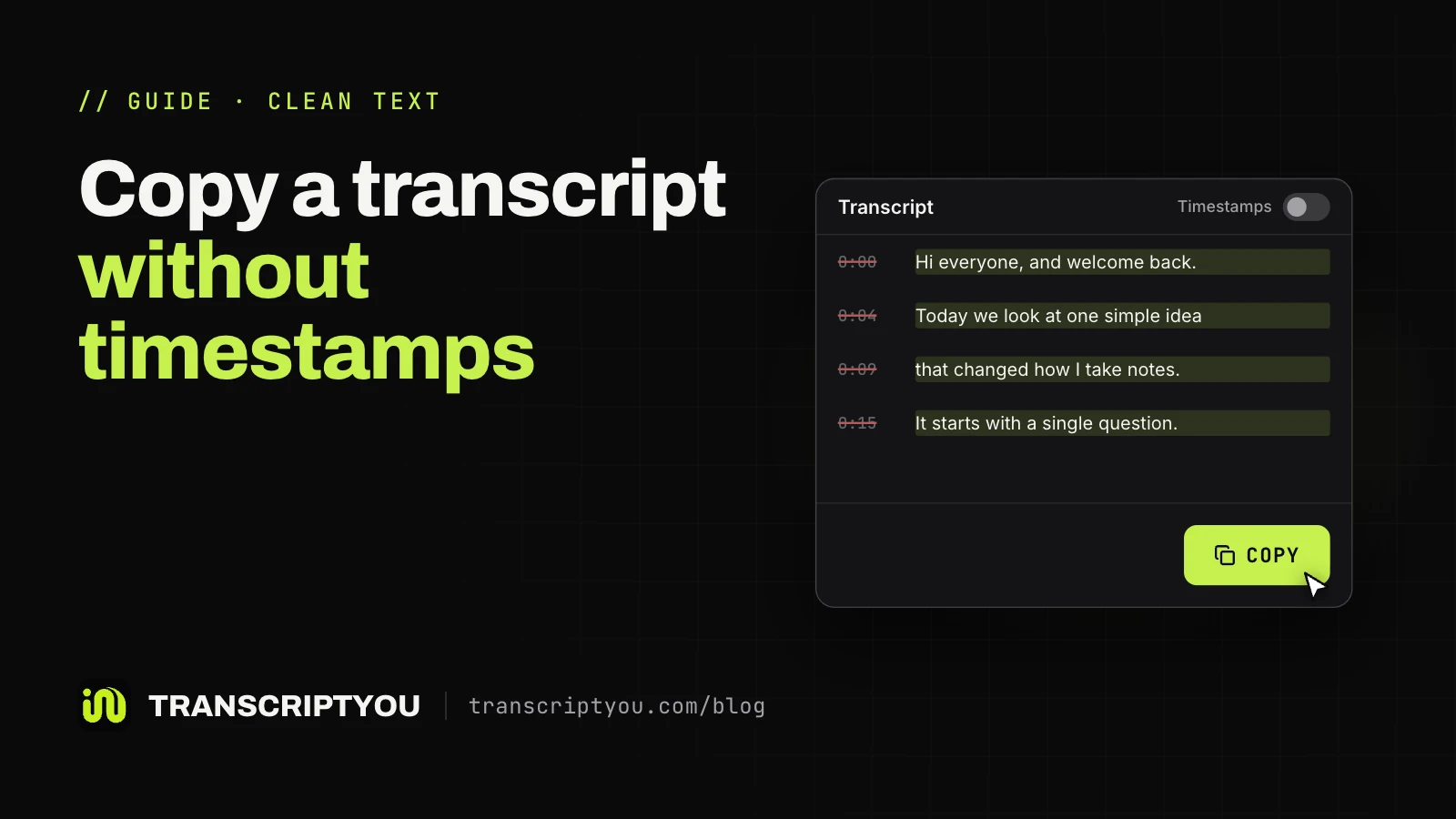
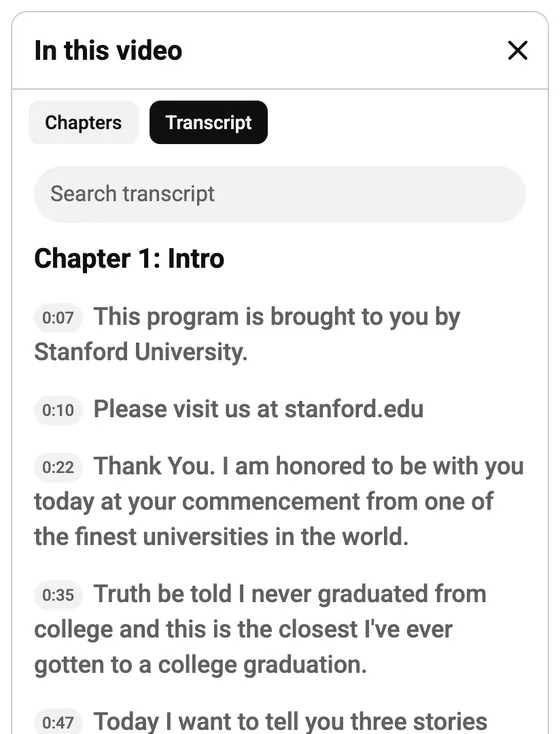
YouTube currently opens one of two panels. If yours has a ⋮ menu, as on TED talks, choose Toggle timestamps. The new panel has only a Search transcript field and a close button, so the time codes stay on: strip them after copying, or use TranscriptYou with Timestamps off.
Switch the transcript language
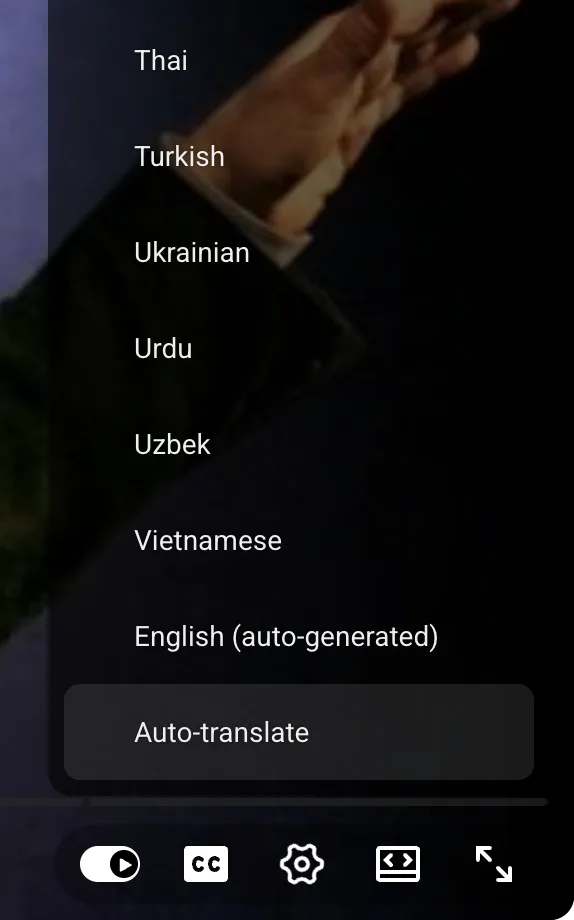
Text exists only in languages the video has caption tracks for. Older panels had a language picker; the new one has none and stays in one language. To read another track, pick it under the gear icon, then Subtitles/CC, as on-screen captions, or in a tool that lists every track.
Search the transcript for a word
Type a word into Search transcript at the top of the panel, or press Ctrl+F (Cmd+F on macOS), then click the matching line. Search for one distinctive word, not a phrase, because each line is a separate caption chunk:
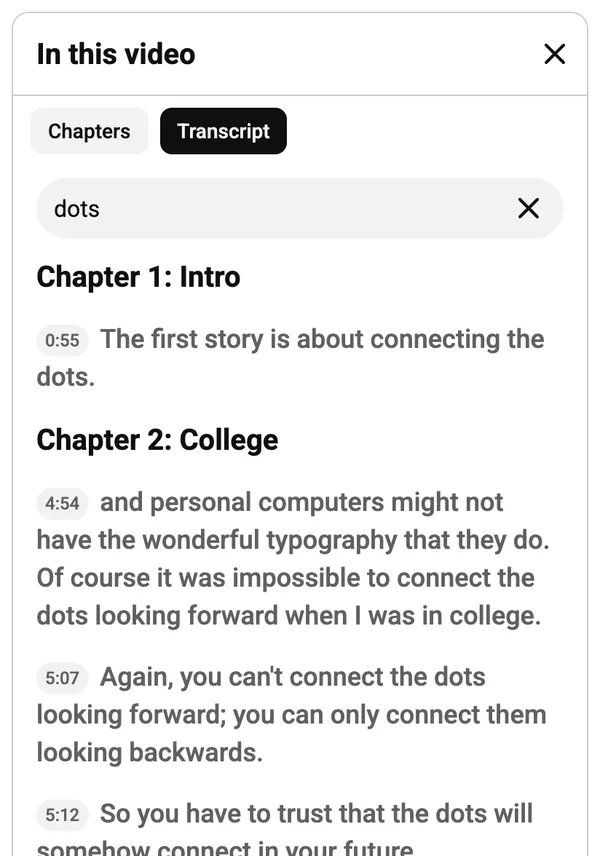
There is also a slight problem with regular ctrl-F: if you search for a multiple word phrase you might not find it if the phrase happened to be split between two chunks of the transcript.
How to see the transcript on iPhone and iPad
The YouTube app for iPhone and iPad has the same section with fewer options.
Steps in the YouTube app for iOS
-
Open the description
Tap ...more under the title (on older versions, the title itself).
-
Open the transcript
Scroll to the Transcript section and tap its button. Tap any line to jump to that moment.
We did not test the app; if yours differs, use the desktop site.
What the app does not let you do
No copying in the app
The app shows the text but will not let you select it: no copying, no file. Android Authority (2023) and Descript (July 2026) both say so. Tap Share, then Copy link, and open the link on a computer or in a tool with a Copy button.
How to see the transcript on Android
The Android app uses the same route as the iPhone app.
Steps in the YouTube app for Android
Open the video, tap ...more under the title, scroll to the end of the description and tap the button. Android Authority and Descript give this route; the text stays read-only.
Open the desktop site in a mobile browser
m.youtube.com had no such section for our test video, so switch to the desktop layout: in Chrome, the three-dot menu, then Desktop site; in Safari on iPhone, the page menu, then Request Desktop Website. The computer steps then work.
Need the text as a file? Paste the video link
TranscriptYou reads the same caption track as the panel. Copy it in one click or save .txt or .srt, with or without timestamps. No sign-up.
Where a YouTube transcript comes from
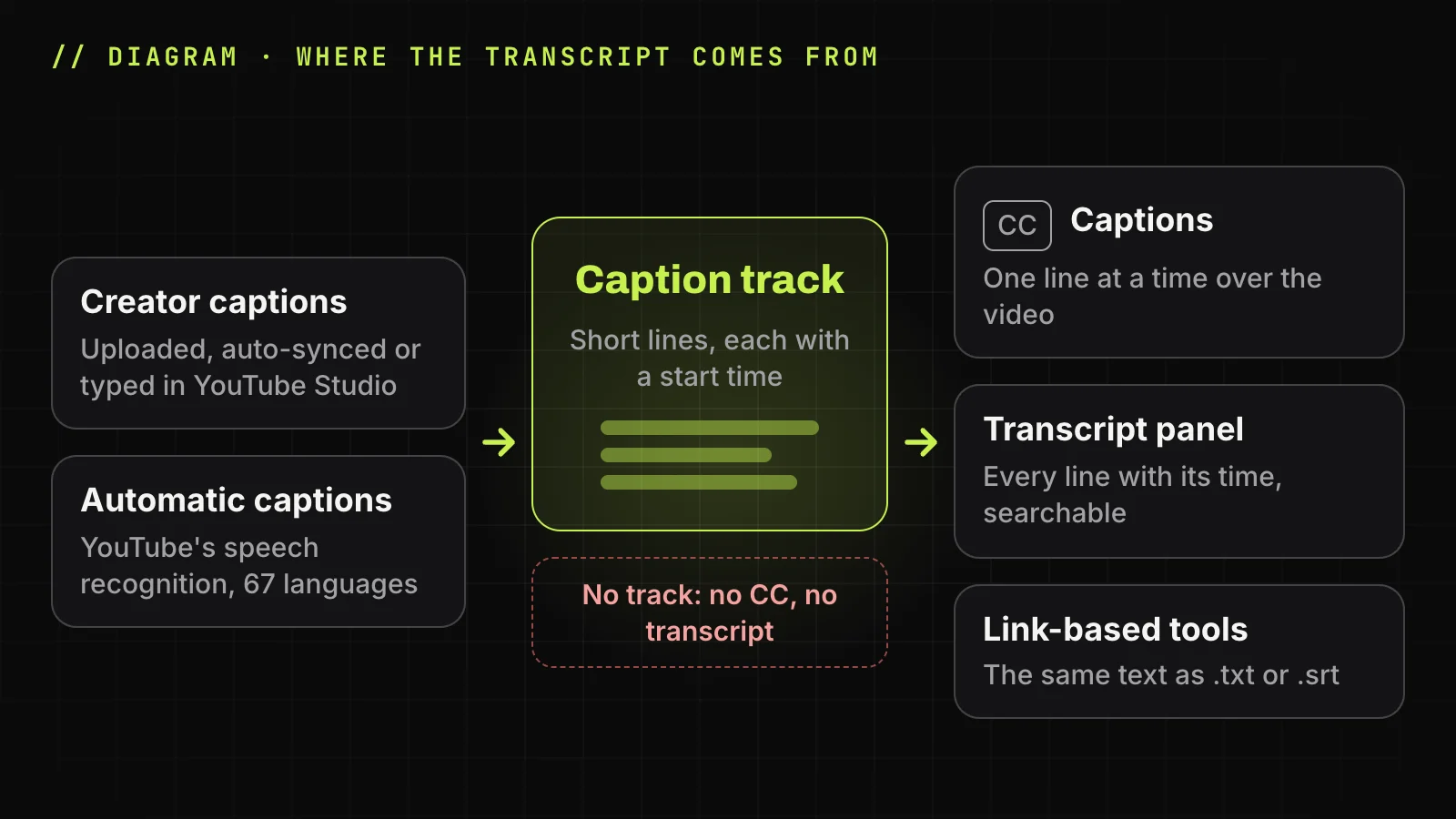
The panel lists the video's caption track, the same text the CC button shows as closed captions. YouTube does not transcribe the audio on request, so the text is only as good as the captions.
Captions uploaded by the creator
Creators add captions in YouTube Studio, under Subtitles: upload a file, paste a script for Auto-sync, or Type manually. A person wrote or checked this text, so names and punctuation are usually right.
Auto-generated captions
YouTube makes automatic captions with speech recognition, in 67 languages. Google warns they can misrepresent speech because of accents, dialects or background noise. By default they also show potentially inappropriate words as [ __ ], so searching for one finds nothing.
Why the Show transcript button is missing
The button is missing when the video has no captions or plays in a player without the panel.
The video has no captions
No captions, no button: no CC button in the player means no track. Silent clips and music without vocals often fall here, and creators can also remove captions in YouTube Studio.
Automatic captions are not ready or failed
YouTube's help page names six causes: complex audio still processing, an unsupported language, a very long video, poor sound, a long silence at the start, and overlapping speakers or languages.
The video is a Short or a live stream
The vertical Shorts player has no such panel. On a computer, swap /shorts/ for /watch?v= in the address, or get a YouTube Shorts transcript from the link. The full checklist: why the button disappears.
How to save a YouTube transcript as text
YouTube has no download button, so there are two ways to keep the text: copy it from the panel, or paste the link into a tool that exports files.
Copy it by hand on a computer
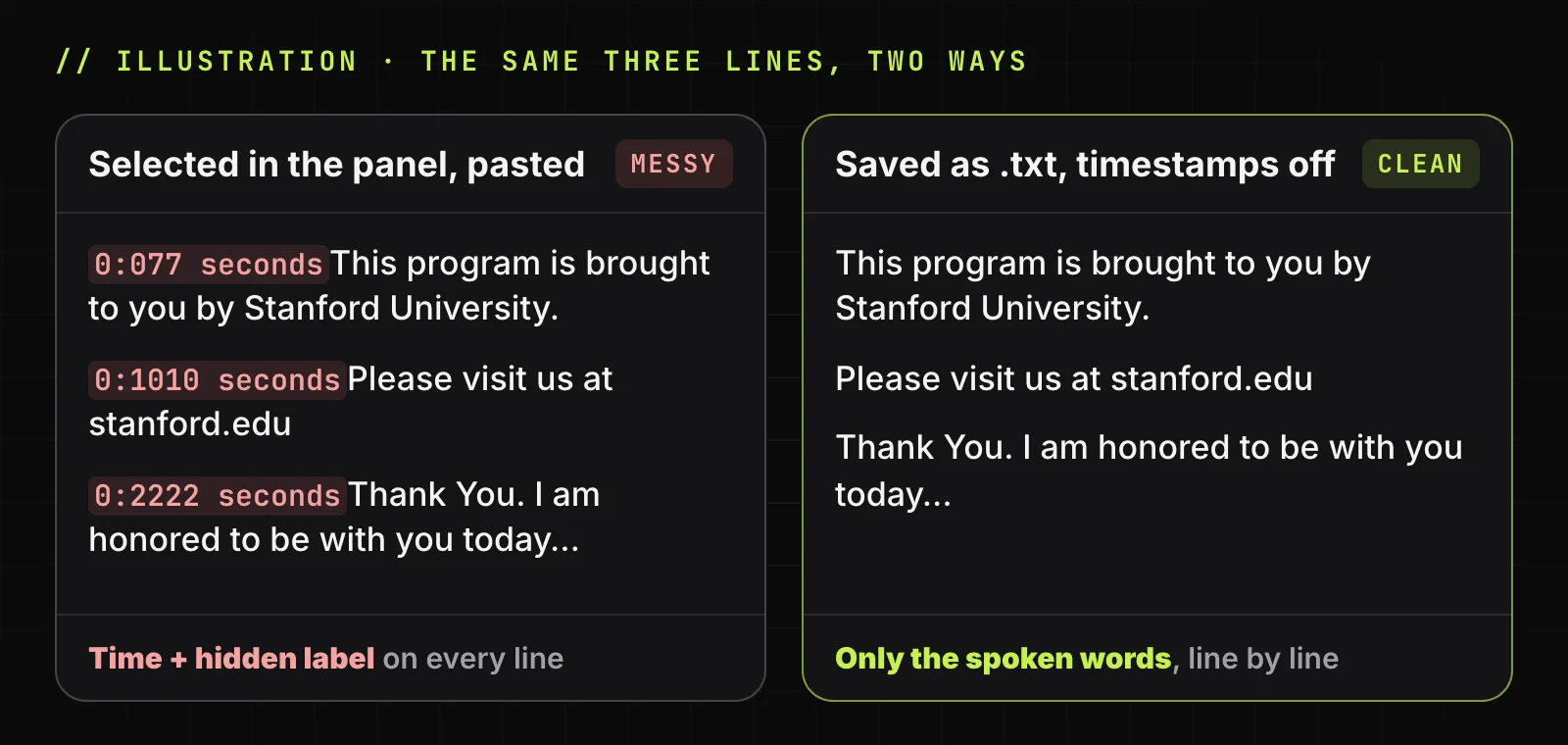
Click before the first line, Shift-click after the last one, press Ctrl+C (Cmd+C on a Mac) and paste into Google Docs or Microsoft Word. In our test, each line came out with its time, a hidden screen-reader label and the words glued together, like 0:1010 seconds. Fixes: copy without timestamps.
Download it as TXT or SRT
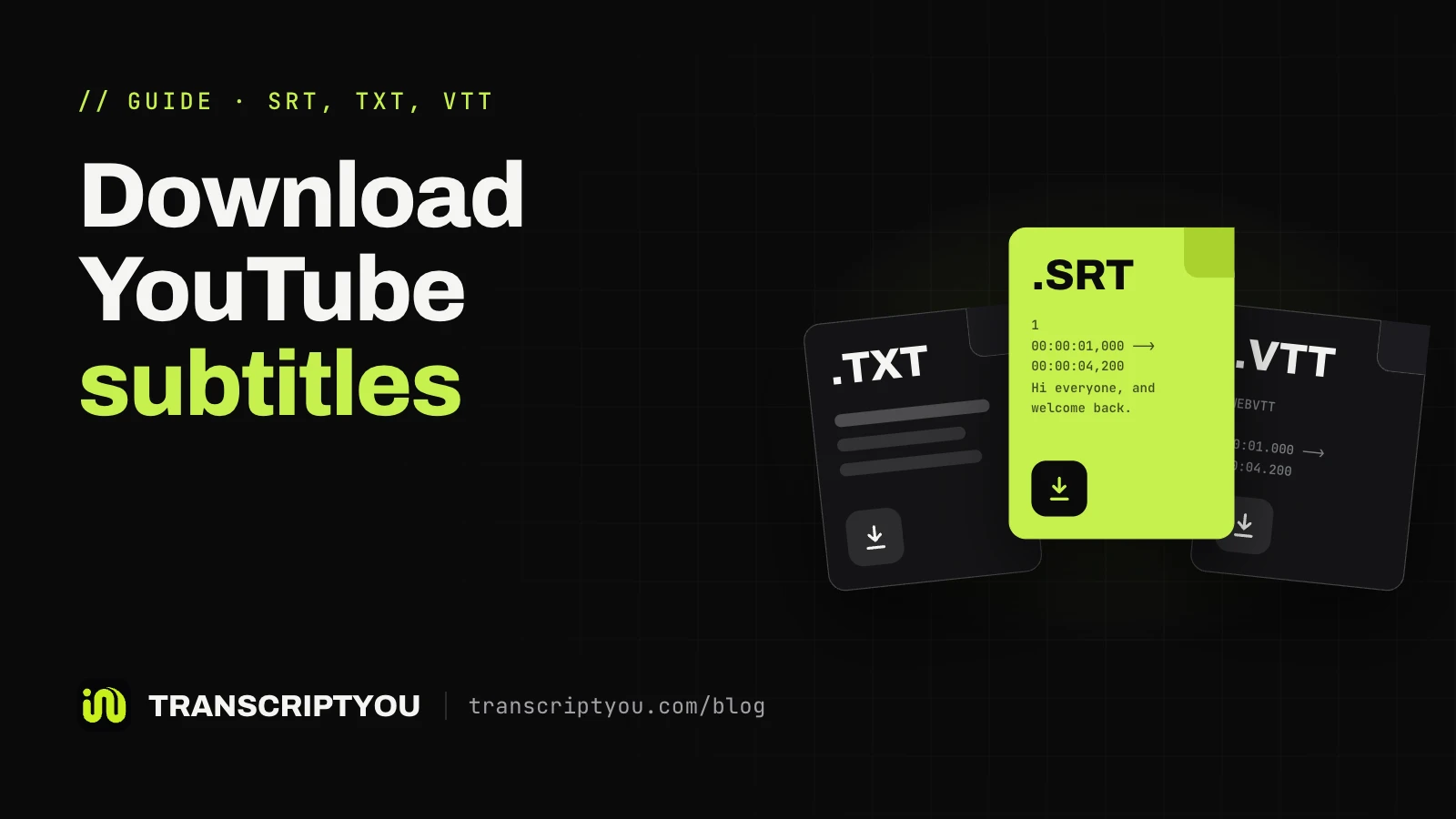
The free transcript generator on this site reads the same caption track from the video link. Its Timestamps switch covers the page, Copy and the .txt file; it also saves SubRip (SRT) with start and end times. For SRT only, download as SRT; to pick a language first, download YouTube subtitles.
It does not recognize speech or translate: no captions, no text. Formats compared: SRT or TXT. For a video without captions, see tools that transcribe the audio.
Get the transcript as a .txt or .srt file
Free, no sign-up, works with any public video that has captions.
What to do with the transcript next
For the gist, paste the copied text into ChatGPT, Gemini or Claude and ask for the key points with times: summarize a YouTube video with AI. Whether a chat reads a link alone: can ChatGPT summarize YouTube videos.
If the video is yours and lacks captions, add them in YouTube Studio and every viewer gets the panel: add captions to your own video.
Questions about getting a YouTube transcript
Does every YouTube video have a transcript?
No. YouTube shows a transcript only when the video has captions, uploaded by the creator or automatic. Silent clips, music without vocals and unsupported languages may have none; no CC button means no panel.
Is the YouTube transcript free to view?
Yes. The panel is part of the regular YouTube page and app, with no Premium needed. Signing in is optional too: the desktop steps here were checked signed out.
Is there a way to download a YouTube transcript?
Not from YouTube: the panel has no download button. On a computer you can select and copy the lines. For a file, paste the link into TranscriptYou and save .txt or .srt, if the video has captions.
Can you copy a transcript in the YouTube app?
No. The app for iPhone, iPad and Android does not let you select the text, according to Android Authority (2023) and Descript (July 2026). To copy it, open the video on a computer or in a phone browser with the desktop site on.
How accurate is a YouTube transcript?
As accurate as its captions. Creator captions are usually close to exact; automatic ones can misread accents, dialects and noisy audio. Replay a line before quoting it: the timestamp takes you there.
Is a transcript the same as closed captions?
Same text, different form. Closed captions show one line at a time over the video; the panel lists every line with its time, so you can scroll and search.
Can you get a transcript of a YouTube Short?
Not in the Shorts player, which has no panel. Shorts get automatic captions too. On a computer, open the Short as youtube.com/watch?v= plus its ID, or get a YouTube Shorts transcript from the link.
Can you get the transcript of a video you don't own?
Yes. Any public video with captions shows the panel to every viewer. The words belong to the creator: keeping the text for study is generally fine, but publishing it in full may need permission. This is not legal advice.
Get the transcript of a YouTube video
If the video has captions, paste its link and get the full text with timestamps. Copy it or save it as .txt or .srt. Free, no sign-up.
Sources
- YouTube Help: View video transcripts
- YouTube Help: Use automatic captioning
- YouTube Help: Add subtitles and captions
- YouTube Help: Manage caption settings
- YouTube Help: Understand three-minute YouTube Shorts
- Android Authority: YouTube transcripts are very useful; here's how to see and download them (2023)
- How-To Geek: How to Get the Transcript of a YouTube Video (2024)
- Descript: How to get a full transcript of YouTube videos in 2026 (updated July 2026)