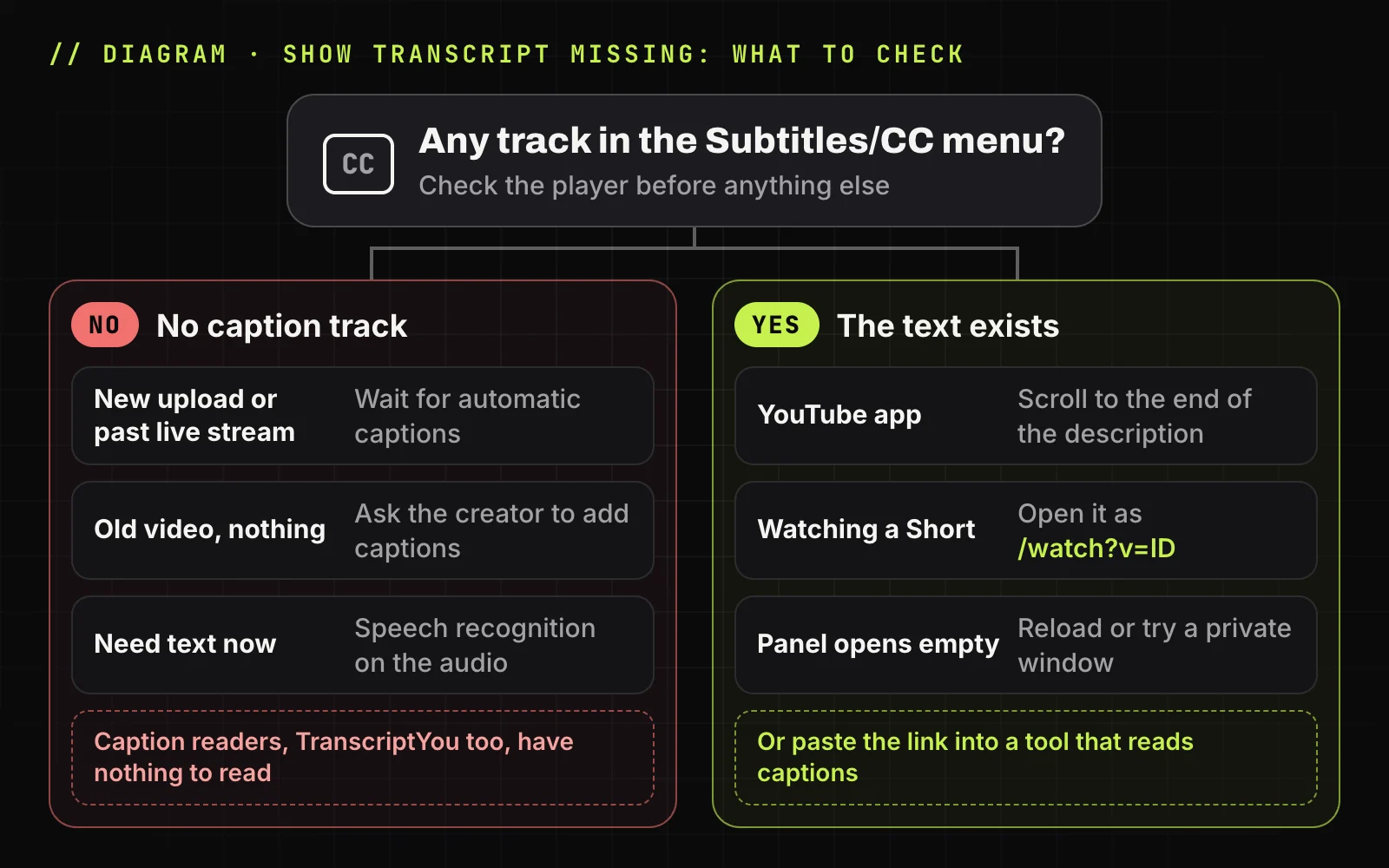
A missing transcript has one of two causes. YouTube's help center says you can see the full transcript "of any video that has captions", so either the video has no captions, or it has them and you need another way in.
| Symptom | Likely cause | What to do |
|---|---|---|
| CC won't turn on in any language | No caption track | Wait if the upload is new, otherwise see what still works |
| CC works, the button is gone | The app, a Short or an old guide | Expand the description fully, or switch between the app and a computer |
| The button works, the panel is empty | The page did not load | Reload, private window, no extensions |
| A past live stream shows nothing | Live captions are not kept | Wait for the recording to be processed |
| It is your own video | Track never published or deleted | Add them in YouTube Studio |
Check whether the video has captions first
A caption track in any language means the text exists, and a viewer can get to it. The three checks below take about 30 seconds.
Look under ...more in the video description
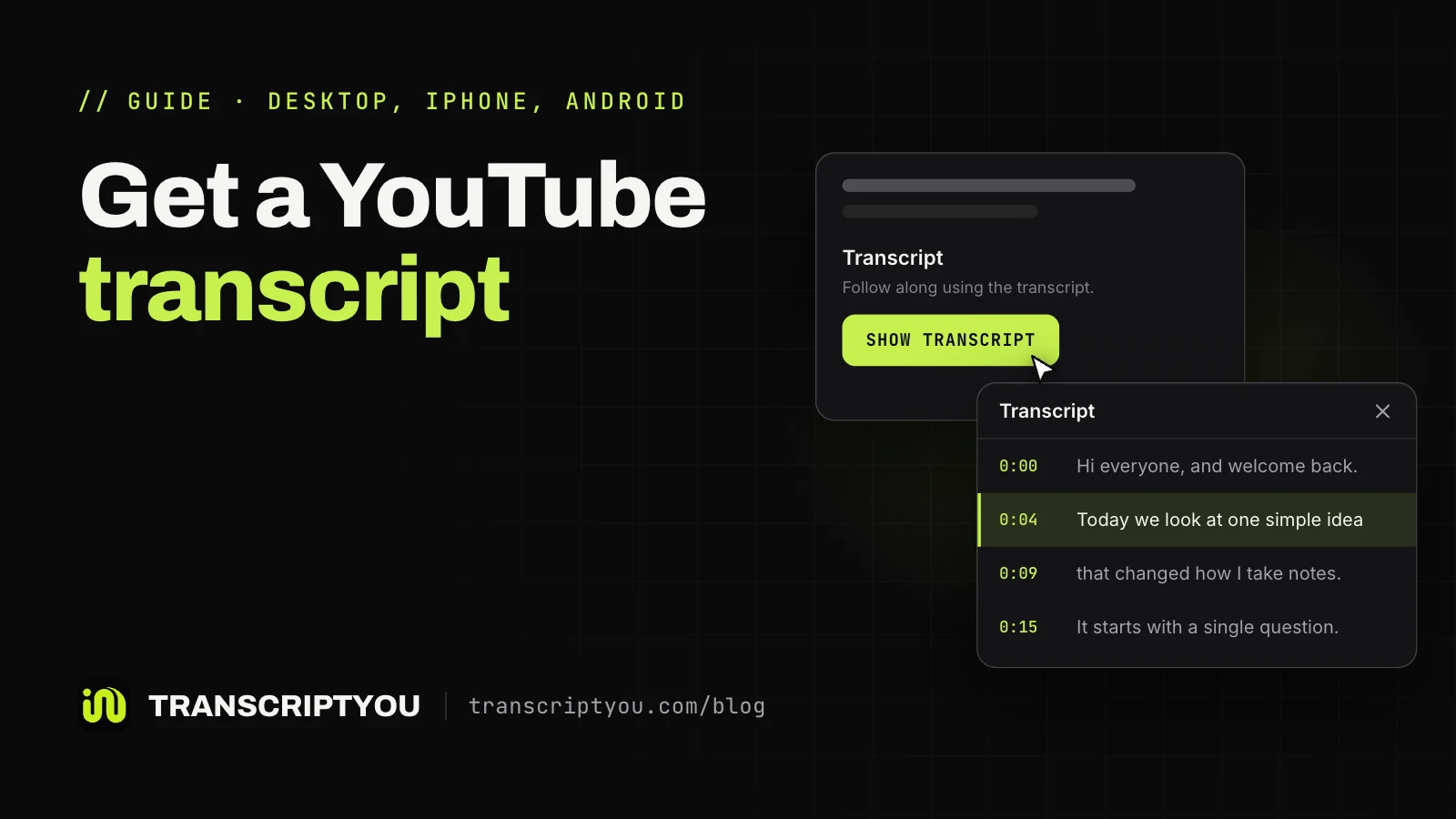
On a computer, click ...more under the video title to expand the description, then scroll to its end. YouTube's help center describes this route: "In the video description, click Show transcript." If the button is there, captions exist. For screenshots on each device, see where the button is on each device.
YouTube already supports that natively these days, although it's kind of hidden (and knowing Google, it might very well randomly disappear one day). Open the description of the video, scroll down and click "show transcript".
Turn on CC and open the subtitles menu
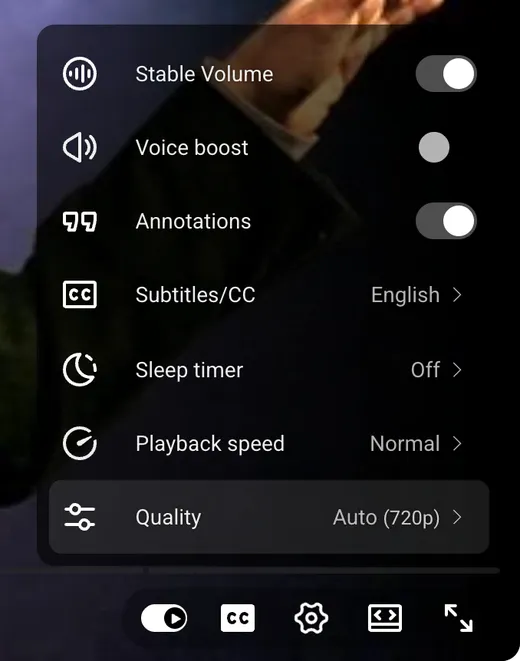
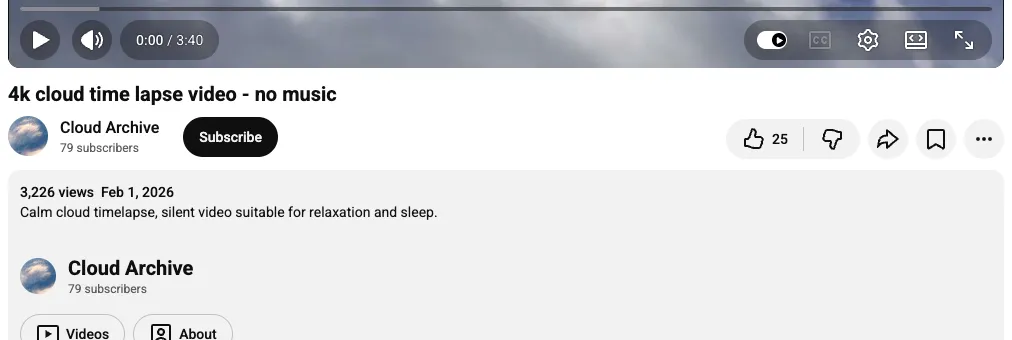
Look for the CC (Closed captions) icon at the bottom right of the player. YouTube's caption settings page says it appears there "If Closed Captions (CC) are available". Then open the gear icon and Subtitles/CC. Any track in that list, including one marked auto-generated, means the text exists. No CC icon and an empty language list mean there is no track.
Open the same video on another device
Open the same link in the YouTube app on your phone if you started on a computer, or the other way round. A phone browser does not count: the mobile site, m.youtube.com, showed no Transcript section on any of three test videos in our check. A caption track belongs to the video, so only the menus differ. If captions or the button appear there, the first screen is the problem.
No track anywhere: read the six causes below. CC on but no button: jump to when captions exist but the button is missing.
Why some YouTube videos have no transcript
The text exists only when the video has a caption track, uploaded by the creator or generated by YouTube's speech recognition. The six causes below come from YouTube's help center, and each ends the same way: transcript not available, on YouTube and in every tool that reads captions.
The video has no caption track
Many videos never get a track: the creator added none, and YouTube made no automatic one, often for a reason below. Videos without speech, such as music-only clips, slideshows and silent screen recordings, usually land here.
The creator removed the captions
A creator can delete a caption track in YouTube Studio: Subtitles, then Options and Delete on the language row (YouTube's "Edit or remove captions" page). From outside, the video looks like one that never had any. YouTube documents no separate switch for the panel; only the creator can restore the track.
There is a livestream that I need to go over for a project I'm working on, but it is 4 hours long and has the autogenerated captions disabled. … Is there any way I can force the automatic subtitles/transcript on even though they aren't enabled or am I out of luck here?
Automatic captions are not ready yet
A brand-new upload often has nothing to show for a while. YouTube's help says: "Automatic captions may not be ready at the time that you upload a video. Processing time depends on the complexity of the video's audio." It gives no fixed number of hours, so a guide that promises one is guessing. If the video went up today, check again later.
The language is not supported by automatic captions
YouTube's help lists 67 languages for automatic captions on long-form videos and Shorts. Other languages get no automatic track. If a video has several audio tracks, automatic captions are made only in the default language.
The audio is too hard to recognize
Speech recognition fails on some audio. YouTube's "Troubleshoot automatic captions issues" section names these reasons a video gets no automatic captions:
- complex audio that is still being processed;
- a language automatic captions don't support;
- a video that is too long;
- poor sound, or speech YouTube doesn't recognize;
- a long silence at the beginning;
- speakers talking over each other, or several languages at once.
YouTube publishes no length limit or noise threshold for these cases.
The video is a live stream
Live streams follow their own rules. Live automatic captions work in English only, at normal latency, and are rolling out slowly to channels with more than 1,000 subscribers. They don't stay after the stream: YouTube generates new ones for the recording. Until then, a past stream can show nothing. Whether the panel works during a broadcast, YouTube's help doesn't say.
Read the captions as plain text
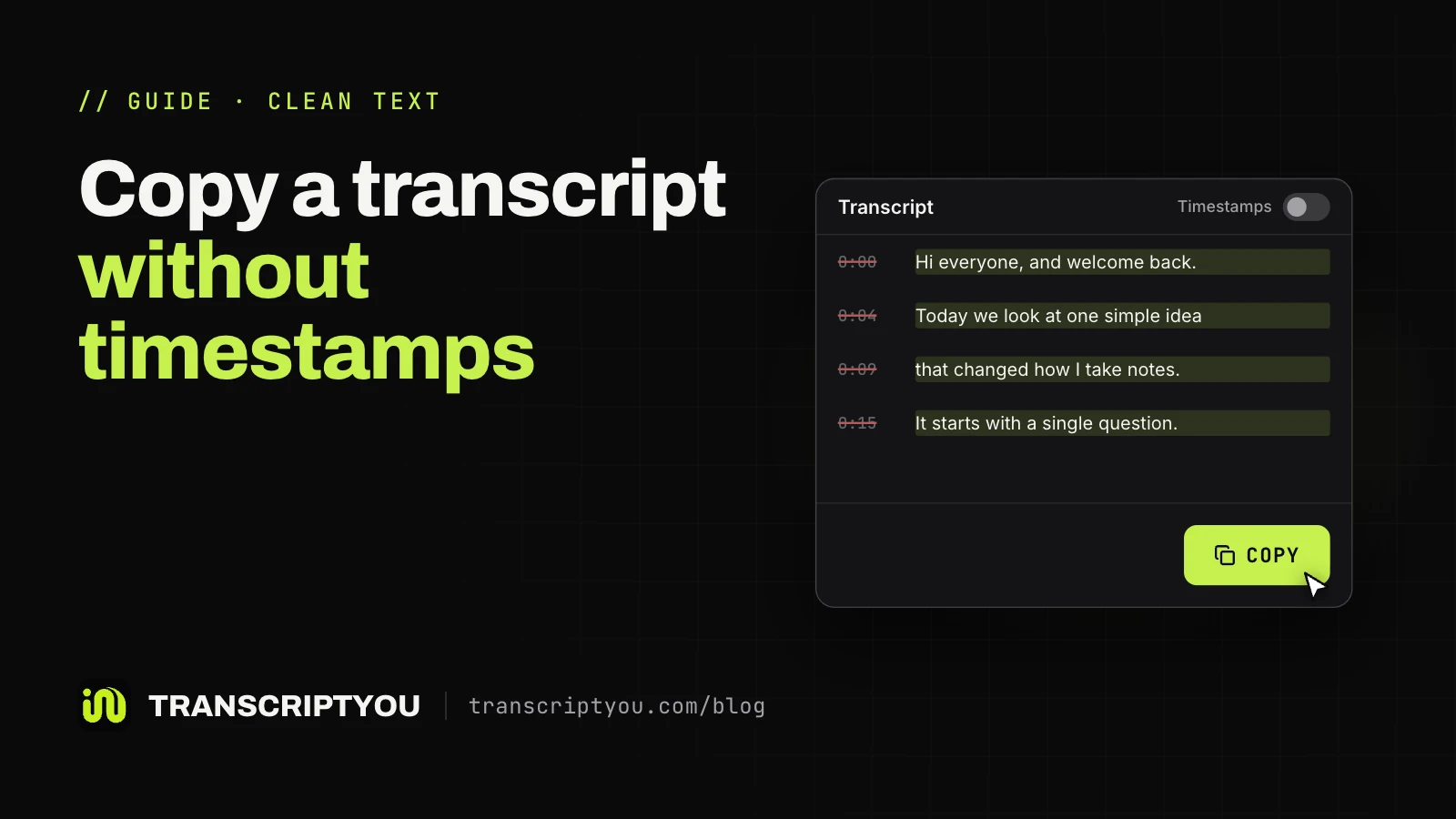
If CC turns on but the panel is hidden or awkward, paste the link below: every line with or without timestamps, Copy in one click, a .txt or SubRip (.srt) file. Free · No sign-up · No extension. Works only for public videos that have captions.
When captions exist but the Show transcript button is missing
If CC turns on, the text exists and the problem is where you are looking. These four interface causes hide the button even when the track is there.
YouTube moved the button
On a computer, the button now sits at the end of the expanded description, under ...more (YouTube help). Older guides send you to the three-dot menu next to Share and an item called Open transcript, so their steps no longer match the screen.
This video has no auto-subtitles, but in general if a video has them then click on the 3 dots next to 'Share' and click 'Open transcript' for full transcript with clickable timestamps.
You are using the YouTube app
In the YouTube app on iPhone and Android, the row sits at the very bottom of the expanded description, easy to scroll past. YouTube's help gives the apps the same route as a computer. The app panel is for reading only: text can't be copied. A phone browser is different: on the mobile site, m.youtube.com, our 390 px Chrome emulation showed no Transcript section on any of three test videos, so switch the browser to the desktop site. If you need the words, see how to copy a YouTube transcript.
You are watching a Short
The vertical Shorts player has no such item, even when the Short has captions. On a computer, change youtube.com/shorts/ID to youtube.com/watch?v=ID: the Short opens in the regular player, where ...more leads to the panel. On a phone, the YouTube Shorts transcript page reads a Short's text from its link.
The page did not load completely
Sometimes the panel opens empty, or the description loads without the button. Reload, open the video in a private window, or turn off extensions one at a time, ad blockers first. Then try another browser, such as Google Chrome. These are general steps for display glitches, not documented YouTube fixes, and they can't create a missing caption track.
I click on "show transcript" in the description but when I do it scrolls back up a bit to where it should be but it doesn't show anything :/ it works when I use an incognito tab on chrome but not whenever I'm actually on my regular youtube stuff.
How to get a YouTube transcript when it is not available
The right move depends on why the text is missing.
| Situation | What works | What won't help |
|---|---|---|
| Captions exist, no button | The YouTube app or a computer, or read the captions from a link | Waiting: the text is already there |
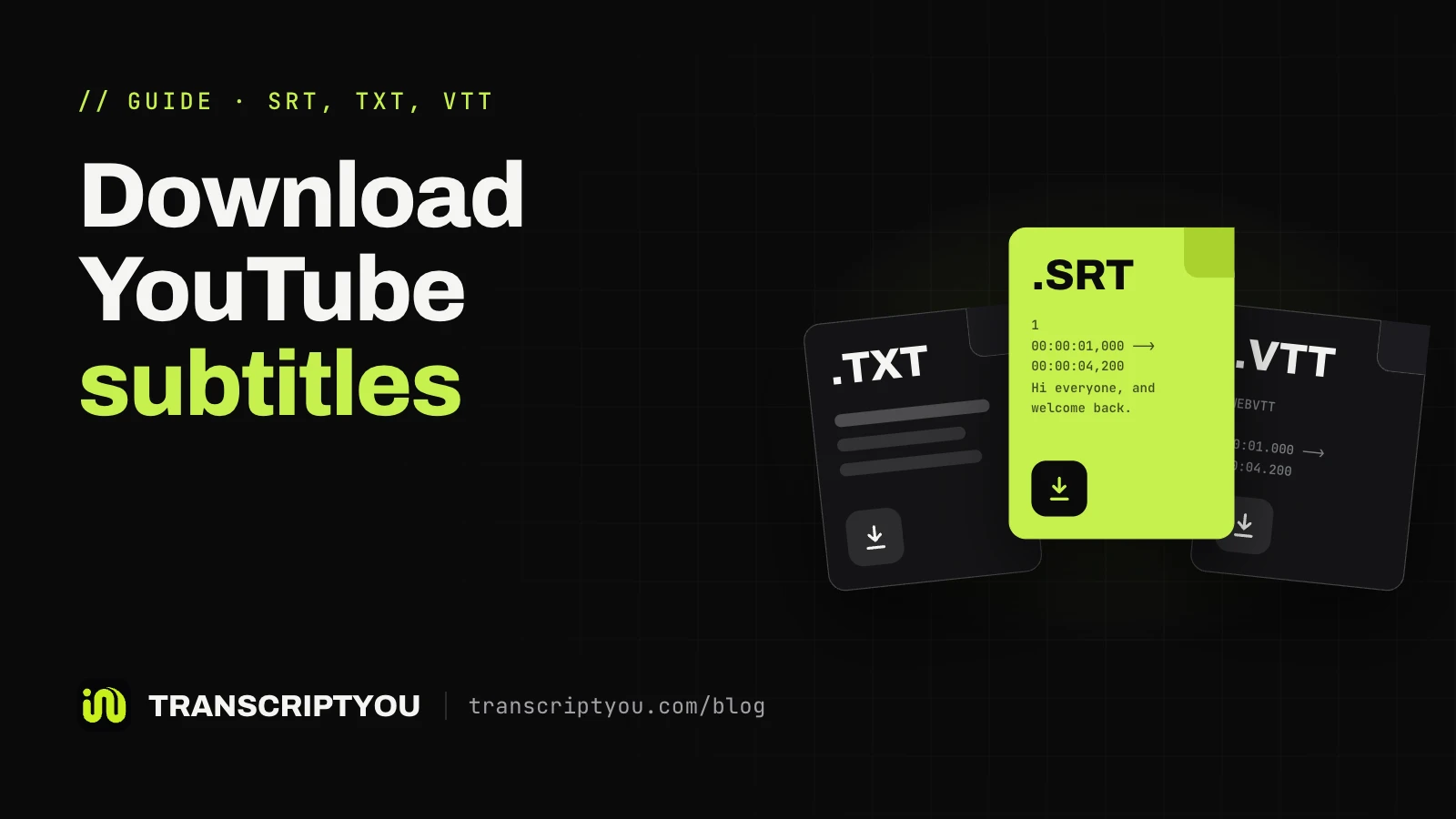
| Captions only in another language | Pick that track, or download subtitles in it (see download YouTube subtitles as SRT or TXT) | Expecting our tool to translate: it doesn't |
| New upload | Wait for automatic captions | A fixed wait: YouTube gives none |
| Past live stream | Wait for the recording to be processed | Looking for live captions: not kept |
| No captions, or removed by the creator | Ask the creator; speech recognition on a recording you may use | Any caption reader, ours included |
| Private, members-only or age-restricted | The owner checks the track in YouTube Studio | Outside tools: they can't read closed videos |
Wait for automatic captions
Waiting is right for a fresh upload and a finished live stream: YouTube still has to process the audio, and the time depends on how complex it is. Check the CC icon later. If nothing appears, an unsupported language or difficult audio is the likelier cause.
Ask the creator to add captions
Only the creator can add or restore a track, so a polite comment is all a viewer can do: "Could you add captions to this video? I'd like to read along." Nothing obliges them to act.
Use a speech recognition service
Speech recognition, or speech-to-text, listens to the audio and writes the words itself instead of reading a caption track. It is the only route for a video without captions. In our comparison of transcript tools, only Happy Scribe accepted such a video: it imported the file and asked us to sign up, so we did not see the text. Riverside, often listed as speech-to-text, read the existing YouTube track and returned an error on the video without one. Expect it to be slower and to stumble on noise, accents and overlapping voices. Use it on recordings you have the right to process.
Can you get a transcript of a YouTube video without subtitles?
Only through speech recognition. A tool that returns text for a video without subtitles ran speech-to-text on the audio; it did not find hidden captions, and no tool can switch on a track the creator deleted. TranscriptYou reads only existing caption tracks (how TranscriptYou reads subtitle tracks), and tools that summarize a YouTube video from its captions hit the same wall.

Check a video's captions with TranscriptYou
Paste a link and the language menu lists every caption track the video has. If there are none, you see "No subtitles or transcript are available for this video." right away. Free · No sign-up · .txt or .srt.
If it is your video: make the transcript appear
If your own video shows nothing, check its captions in YouTube Studio. These steps come from YouTube's "Add subtitles & captions" page:
- Sign in to YouTube Studio and select Subtitles in the left menu.
- Select the video.
- Click ADD LANGUAGE and choose the language.
- Under Subtitles, click ADD.
- Choose Upload file, Auto-sync or Type manually, then save or publish.
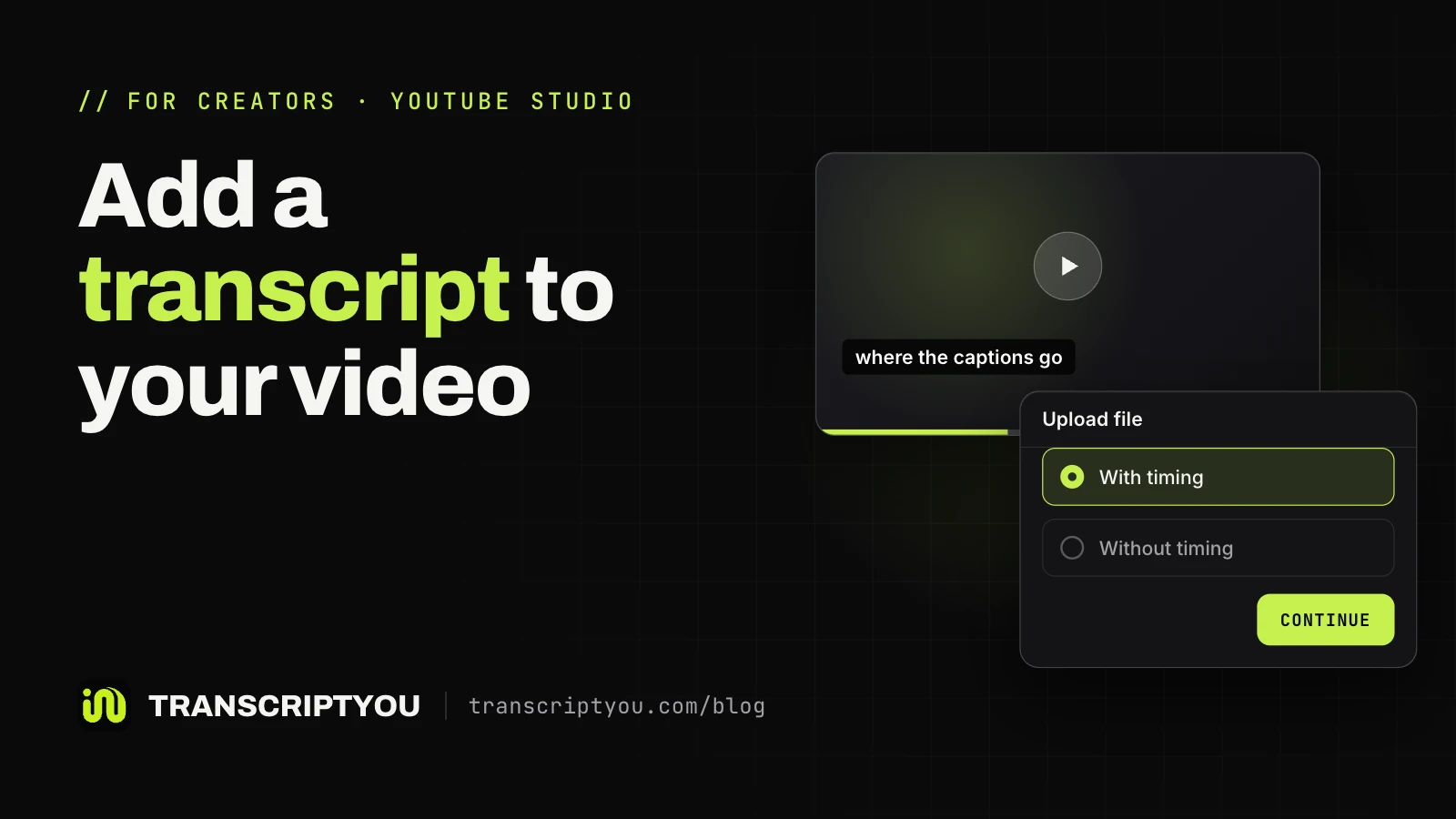
Automatic captions publish by themselves when available, and only in the video's default language. Deleted tracks are covered on YouTube's "Edit or remove captions" page. For files and timing, see how to add a transcript to your YouTube video.
Fixes that do not bring a missing transcript back
These common tips are mostly harmless, but none adds a track to a video.
- Clearing the browser cache or refreshing. Helps only when the page failed to load. Without a caption track, the button stays gone after any number of reloads.
- Lowering the video resolution. YouTube's help ties the panel to captions, and none of its pages links it to picture quality.
- Adding
&hl=ento the address. No YouTube help page says this parameter loads captions, and it can't add a missing track. - Waiting a fixed 12 to 24 hours. YouTube gives no such number, only that processing time depends on the audio.
- A tool that "unlocks" disabled captions. A caption reader reads the same track YouTube shows. A deleted track can't be unlocked; a tool that still returns text is running speech recognition.
YouTube Show transcript missing: FAQ
Why is there no Show transcript option on a YouTube video?
Usually the video has no caption track, and YouTube builds the panel from captions. Less often the track exists and the button is out of view: in the app, on a Short or in an old menu. If CC turns on, captions exist.
Why is the YouTube transcript not working?
It depends on what you see. If the button works but the panel stays empty, the page did not load properly: reload, use a private window or turn off extensions. If the button is missing altogether, the video usually has no captions, and no reload changes that.
How do I turn on the transcript on YouTube?
On a computer, click ...more under the video, scroll to the end of the description and click the button there. The panel opens beside the video and follows playback. It appears only when the video has captions. Screens for desktop, iPhone and Android are in the step-by-step guide.
Why does the transcript show on my phone but not on my computer?
The caption track is the same on every device; only the interfaces differ. The YouTube app and the website place the button differently, and the mobile site in a phone browser showed no button at all in our check. If captions turn on on either device, the video has the text, and the other screen is the problem.
How long does it take for automatic captions to appear?
YouTube gives no fixed time. Its help says automatic captions may not be ready right after upload and that processing time depends on the complexity of the audio. If the video is new, check back later. If nothing comes, the language or the sound quality is the likelier cause.
Why did the transcript disappear from a video that had one?
Most often the creator deleted the caption track in YouTube Studio, and only they can restore it. If CC still turns on, the track is there and the page or app is the problem: reload, or try the YouTube app or a computer.
Do YouTube Shorts have transcripts?
Many Shorts have captions, but the Shorts player has no panel for them. On a computer, replace /shorts/ with /watch?v= in the address, and ...more in the regular player leads to the text. Or paste the link on the YouTube Shorts transcript page. Shorts without speech have no captions.
Can TranscriptYou get a transcript when YouTube does not show one?
Yes, if the video has captions and only YouTube's interface hides them, as in the app or on a Short. No, if it has none: TranscriptYou has no speech recognition of its own and shows "No subtitles or transcript are available for this video." Private, members-only and age-restricted videos can't be read either.
Get the transcript of a YouTube video
If the video has captions, paste its link and get the full text with timestamps. Copy it or save it as .txt or .srt. Free, no sign-up.